
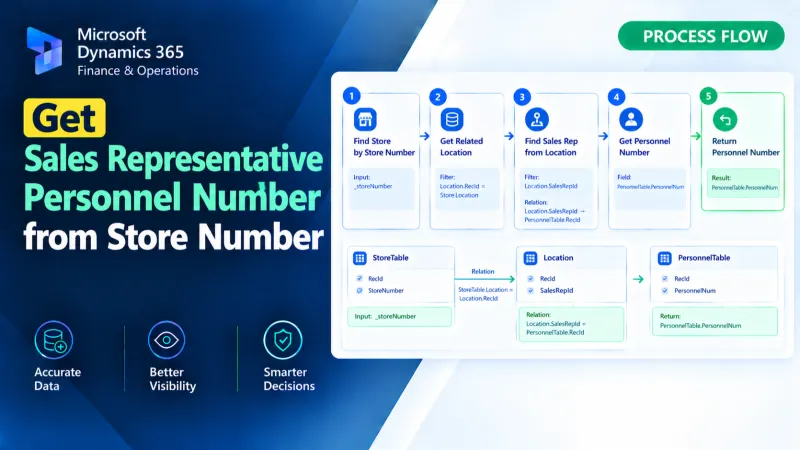
Get Sales Representative Personnel Number from Store Number
Retrieve the sales representative personnel number from a store number using X++ in D365 Finance and Operations.
Timeline
Browse all published articles by month — a complete chronology of Dynamics 365 insights and tutorials.
Retrieve the sales representative personnel number from a store number using X++ in D365 Finance and Operations.
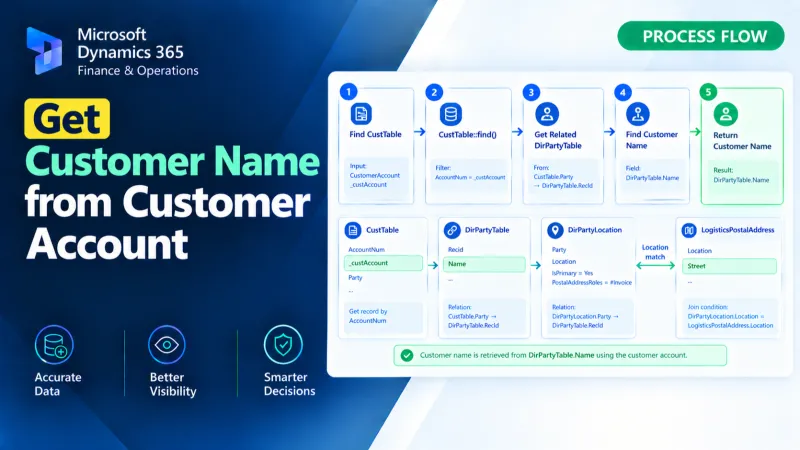
Retrieve the customer name from a customer account using X++ in D365 Finance and Operations.
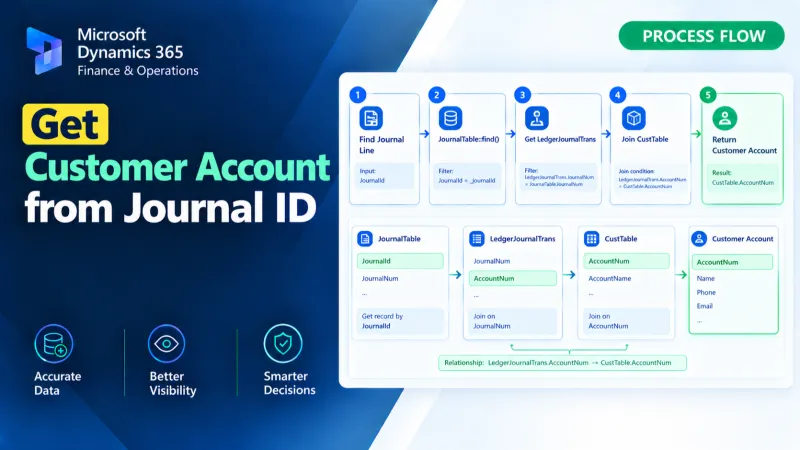
Retrieve the customer account from a journal ID using X++ in D365 Finance and Operations.
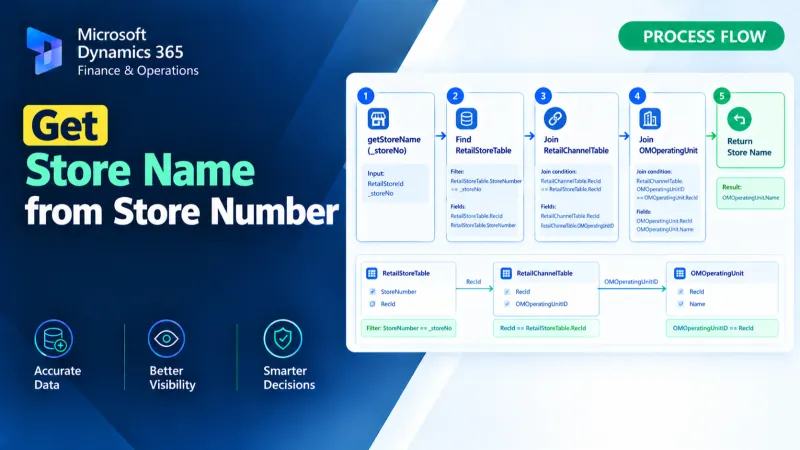
Retrieve the store name from a store number using X++ in D365 Finance and Operations.
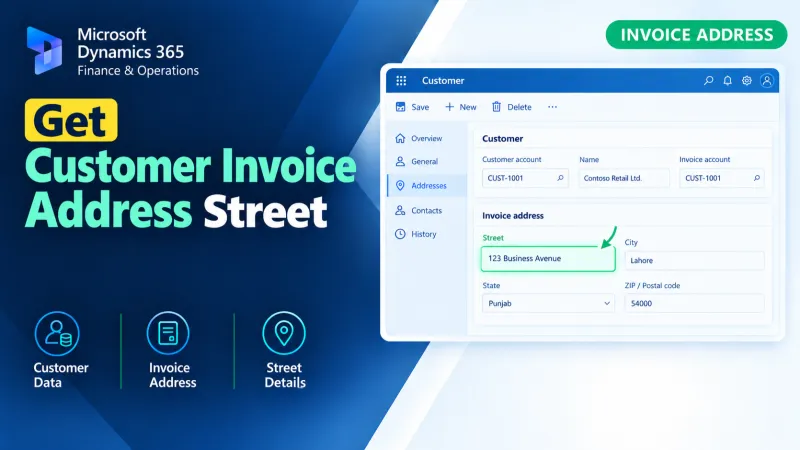
Retrieve the customer invoice address street using X++ in D365 Finance and Operations for accurate invoice address data processing.
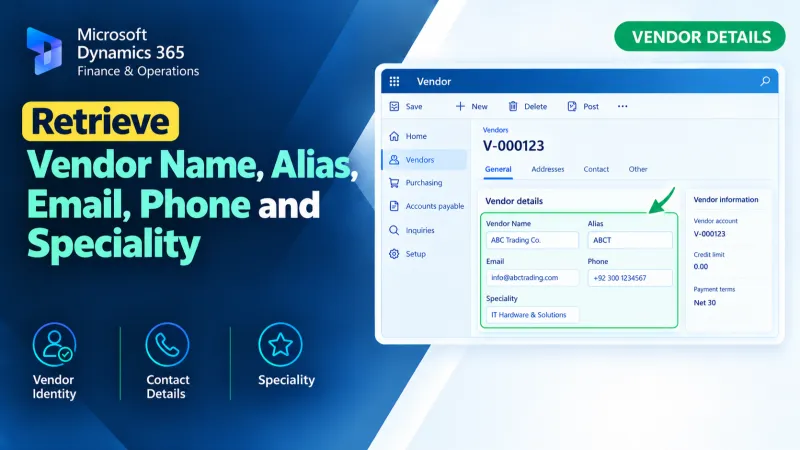
Retrieve vendor name, alias, email, phone, and speciality details using X++ in D365 Finance and Operations.
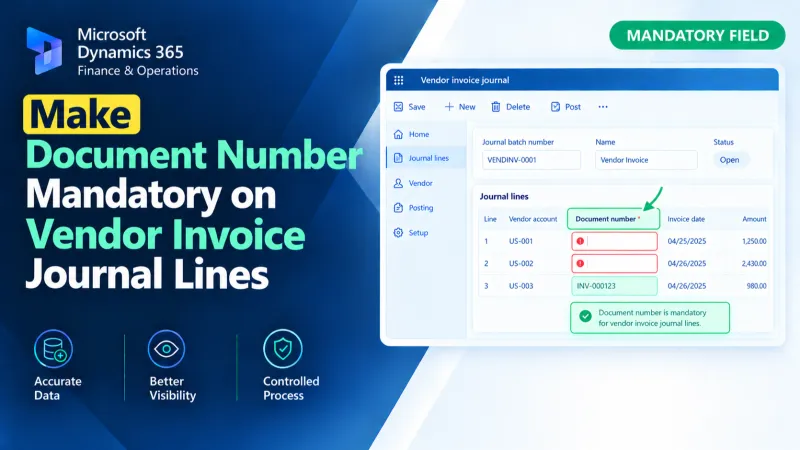
Make the Document Number mandatory on Vendor Invoice Journal lines in D365 F&O using X++ validation and form customization.
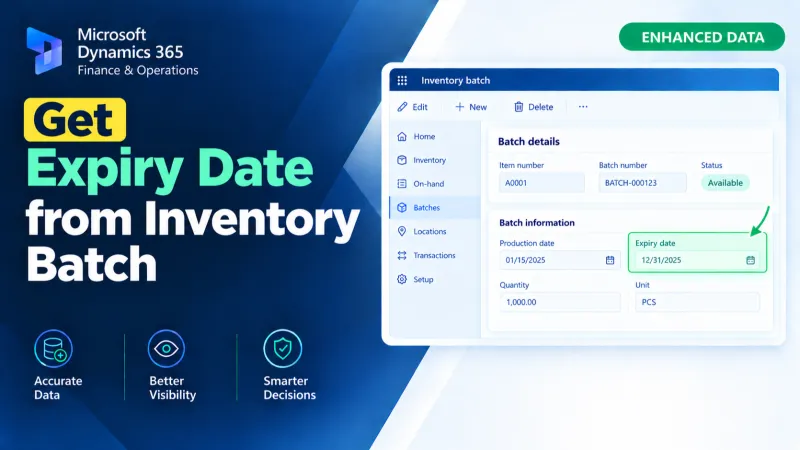
Retrieve an inventory batch expiry date in D365 F&O using X++ for batch tracking and inventory-related processing.
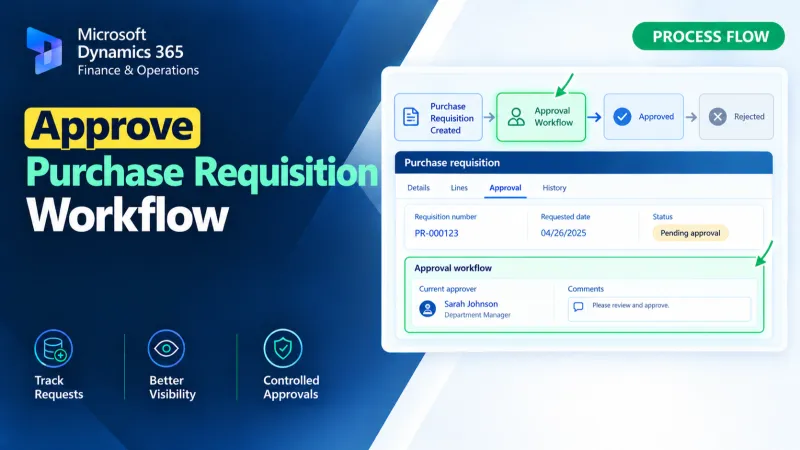
Approve Purchase Requisition workflows in D365 F&O using X++ for workflow approval processing and business logic customization.
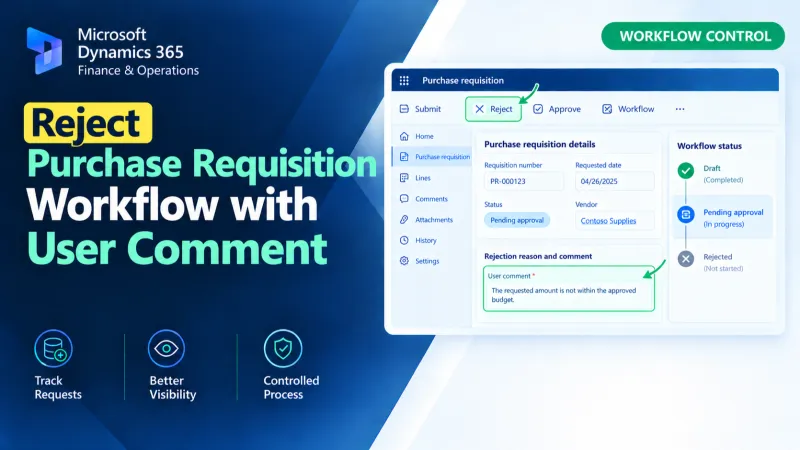
Reject Purchase Requisition workflows in D365 F&O using X++ while capturing the user’s comment during the workflow rejection process.
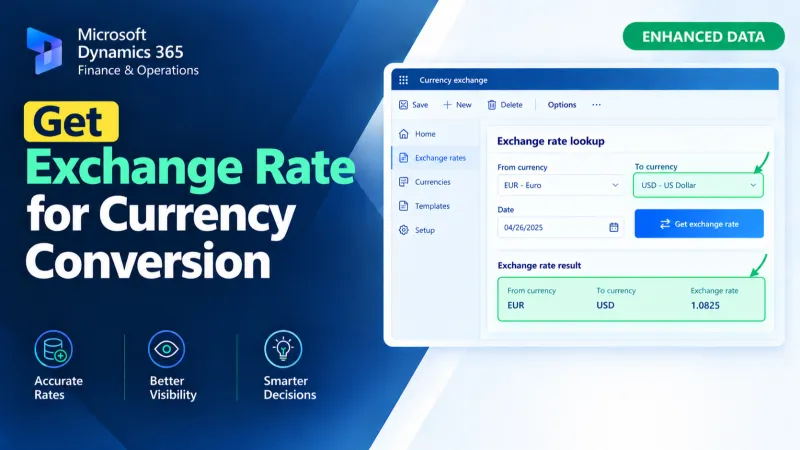
Retrieve exchange rates in D365 F&O using X++ for currency conversion and exchange rate-based financial calculations.
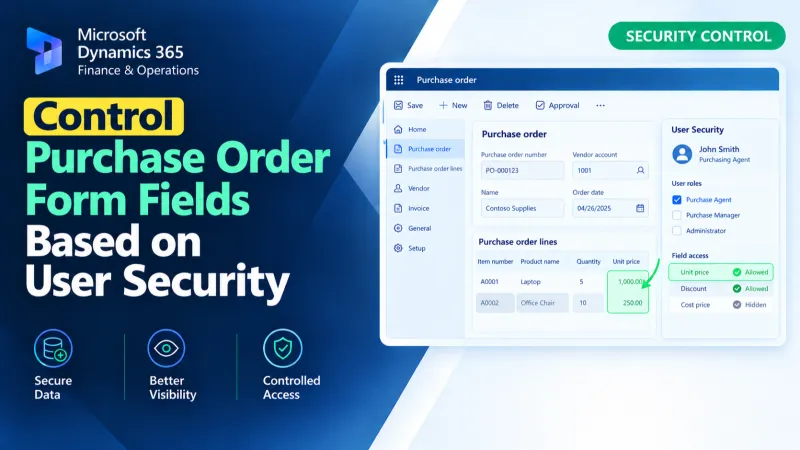
Control Purchase Order form fields in D365 F&O using X++ based on user security and access requirements.
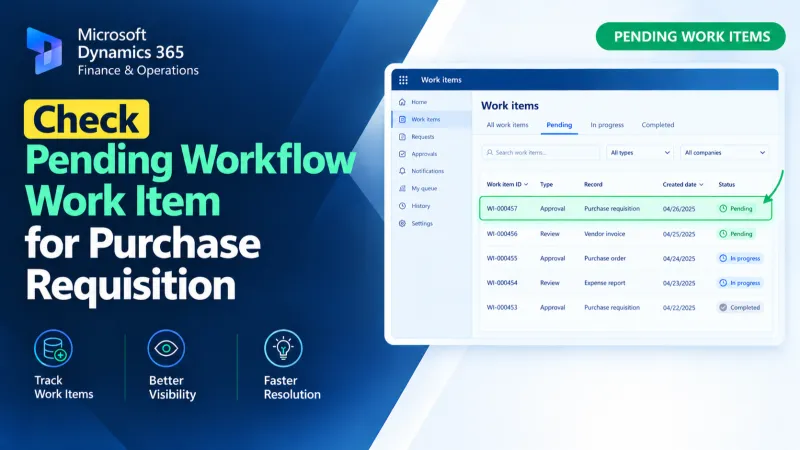
Check pending Purchase Requisition workflow work items in D365 F&O using X++ to identify approval status and support workflow processing.
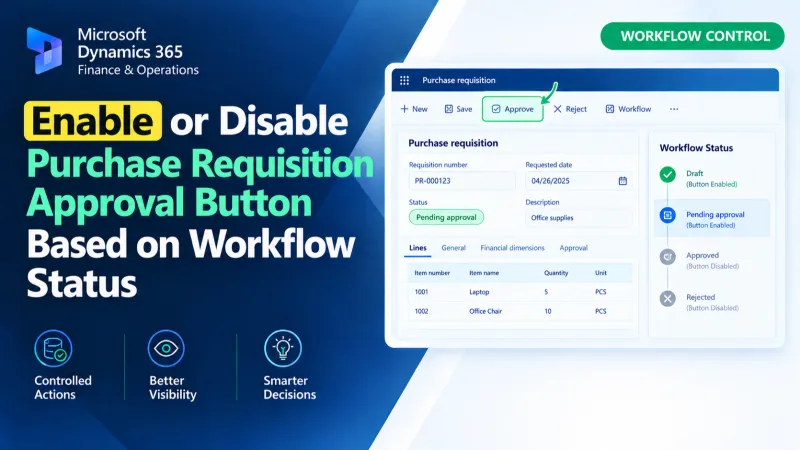
Control the Purchase Requisition Approval button in D365 F&O using X++ and workflow status to manage its enabled or disabled state.
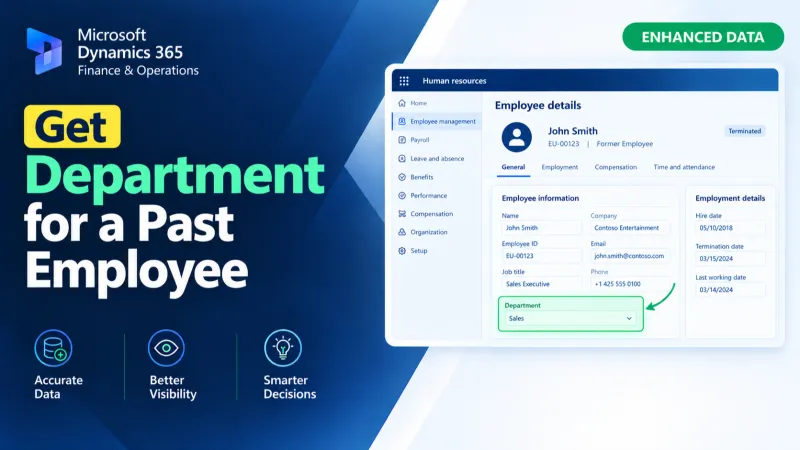
Retrieve a past employee’s department in D365 F&O using X++ and historical position assignment data from HcmWorker, HcmPositionDetail, and OMOperatingUnit.
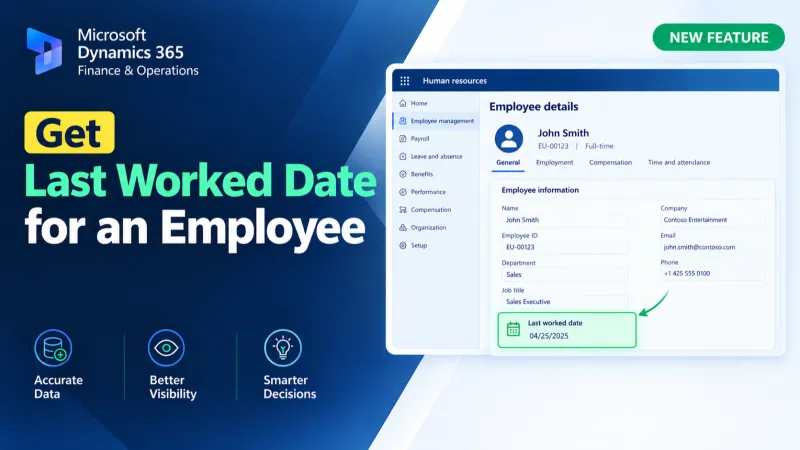
Retrieve an employee’s last worked date in D365 F&O using X++ and related payroll and employment records.
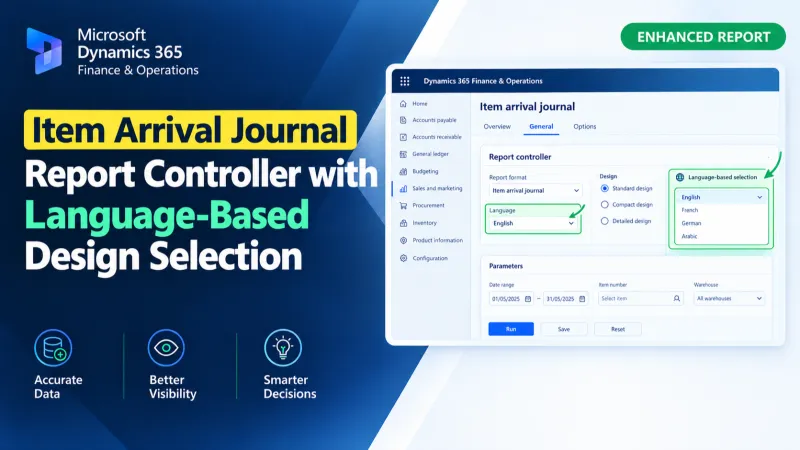
Use an X++ report controller in D365 F&O to dynamically select Arabic or English SSRS designs for the Item Arrival Journal Report.
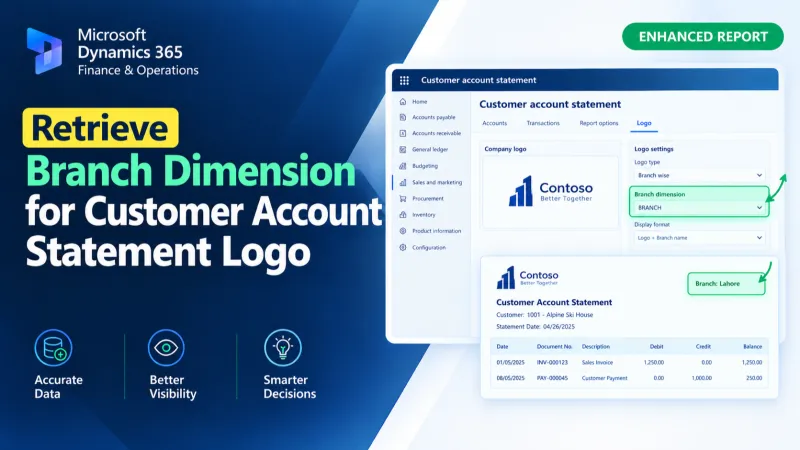
Retrieve the Branch financial dimension for a customer account and assign its display value to the Customer Account Statement temporary report data using X++.
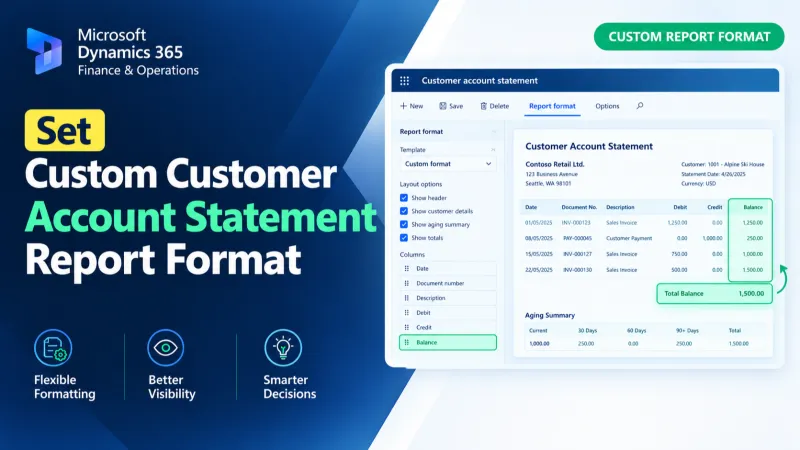
Set a custom SSRS report format for Customer Account Statements in D365 F&O using X++ and the PrintMgmtDocType delegate.
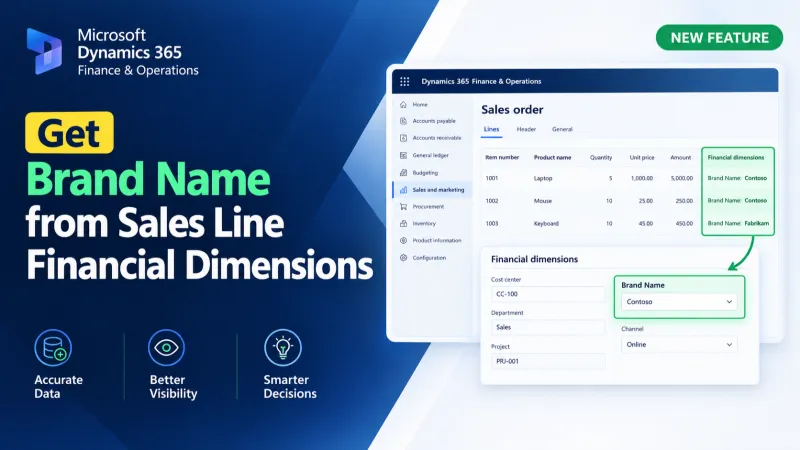
Retrieve brand names from D365 F&O sales lines using X++ financial dimensions and DimensionFinancialTag to resolve brand descriptions.