

Get Customer Name from Customer Account
Retrieve the customer name from a customer account using X++ in D365 Finance and Operations.
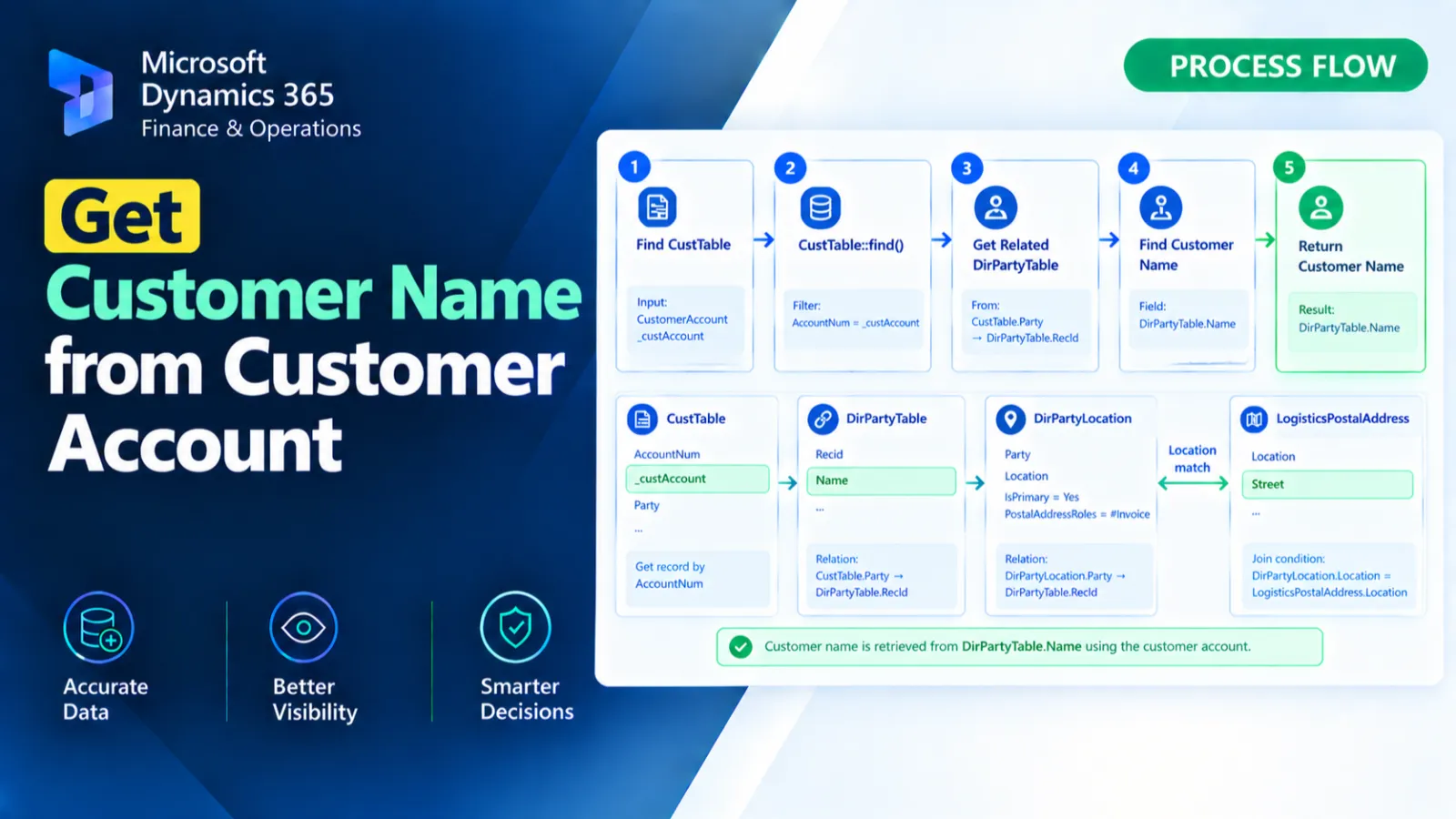
This X++ method retrieves the customer name for a specified customer account.
It first finds the matching CustTable record and retrieves its Party reference.
The DirPartyTable::getName() method is then used to obtain and return the customer's name.
X++ Code
public static CustName getcustomerName(CustAccount _custAcc)

{

    CustTable     custTable;

    str           name;

    select AccountNum,Party  from custTable

        where custTable.AccountNum == _custAcc;

    name = DirPartyTable::getName(CustTable. Party);

    return name;

}
Process Flow
The method receives a customer account through _custAcc and selects the matching CustTable record.
The customer's Party reference is retrieved from the selected customer record.DirPartyTable::getName() is then called using the party reference to retrieve the customer name.
Finally, the method returns the retrieved name.
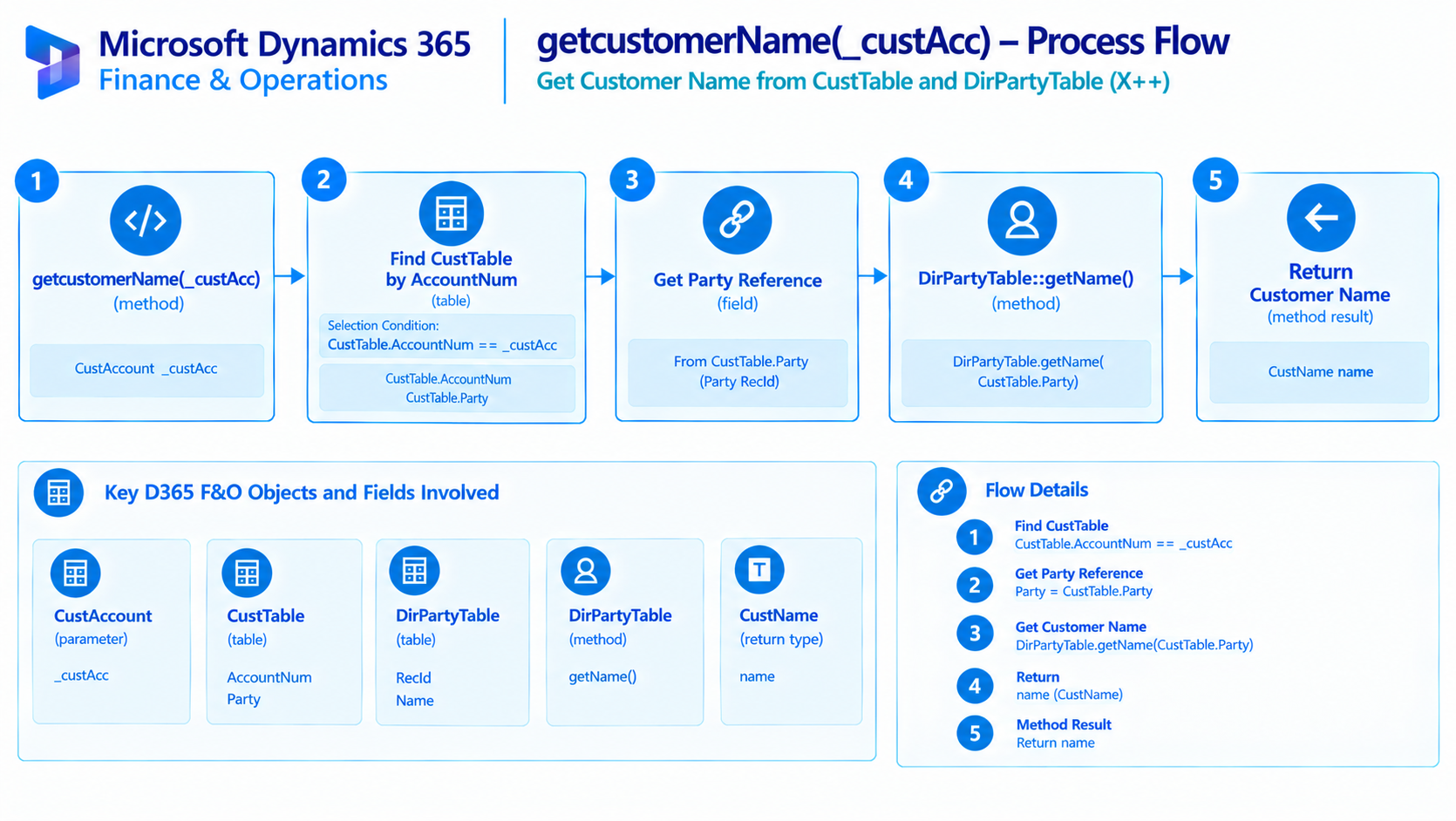
Figure: Flow of retrieving a customer name from a customer account.
Found this useful?
Share it with your network
Written by
Ahmad Hassan
Microsoft Dynamics 365 Finance & Operation, Technical Consultant
More about meRelated Posts
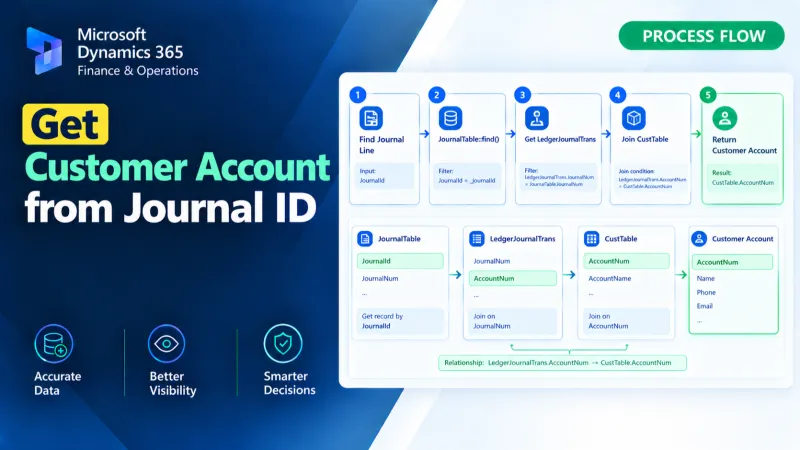
Get Customer Account from Journal ID
Retrieve the customer account from a journal ID using X++ in D365 Finance and Operations.
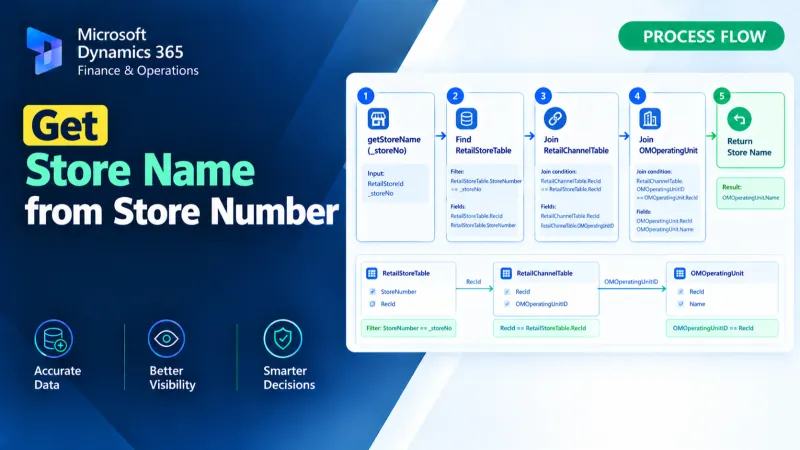
Get Store Name from Store Number
Retrieve the store name from a store number using X++ in D365 Finance and Operations.
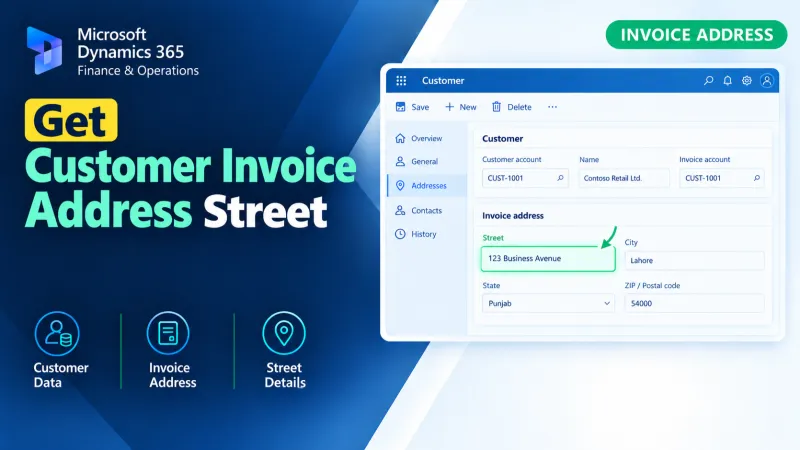
Get Customer Invoice Address Street
Retrieve the customer invoice address street using X++ in D365 Finance and Operations for accurate invoice address data processing.