

Get Sales Representative Personnel Number from Store Number
Retrieve the sales representative personnel number from a store number using X++ in D365 Finance and Operations.
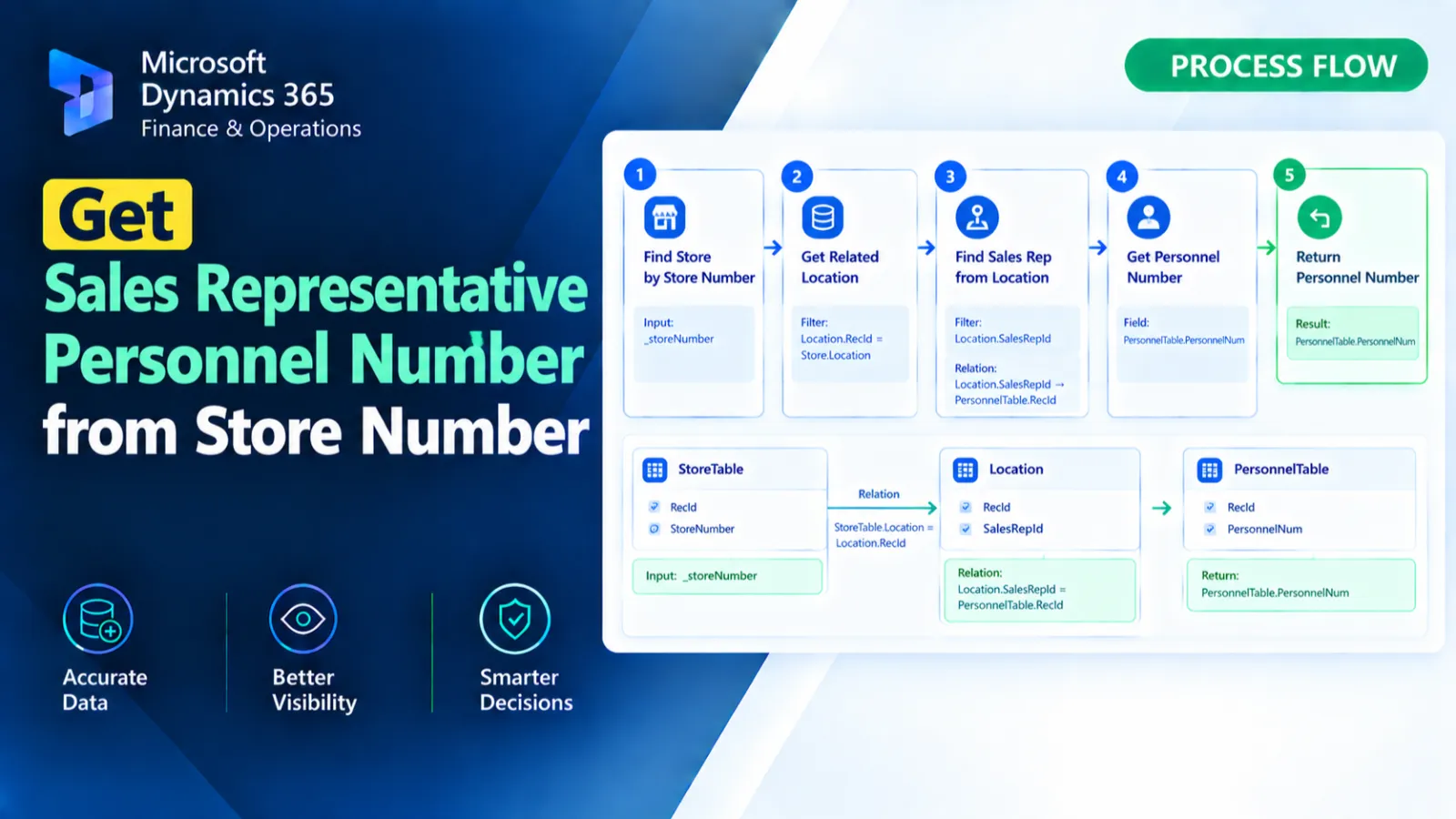
This X++ method retrieves the personnel number of the sales representative associated with a specified retail store. It identifies the related RetailStoreTable and RetailChannelTable records, then follows the store address book and party relationship to locate the corresponding HcmWorker. The method returns the worker's PersonnelNumber.
X++ Code
public static Name getSalesrep(str _storeNum)

{

    RetailStoreTable        retailStoreTable;

    HcmWorker               hcmWorker;

    RetailChannelTable      retailChannelTable;

    RetailStoreAddressBook  retailStoreAddressBook;

    DirAddressBookParty     dirAddressBookParty;

    str                     personalNum;

    select firstonly retailStoreTable

        join retailChannelTable

        where retailChannelTable.RecId     == retailStoreTable.RecId

           && retailStoreTable.StoreNumber == _storeNum

        join retailStoreAddressBook

        where retailChannelTable.RecId == retailStoreAddressBook.StoreRecId

        join dirAddressBookParty

        where dirAddressBookParty.AddressBook  == retailStoreAddressBook.AddressBook

        join hcmWorker

        where hcmWorker.Person == dirAddressBookParty.Party;

    {

        personalNum = hcmWorker.PersonnelNumber;

    }

    return personalNum;

}
Process Flow
The method receives the retail store number through_storeNumand selects the matchingRetailStoreTablerecord.
It joinsRetailChannelTable,RetailStoreAddressBook, andDirAddressBookPartyto follow the store's address book and party relationships.
The relatedHcmWorkeris identified through the party relationship.
The worker'sPersonnelNumberis assigned topersonalNumand returned.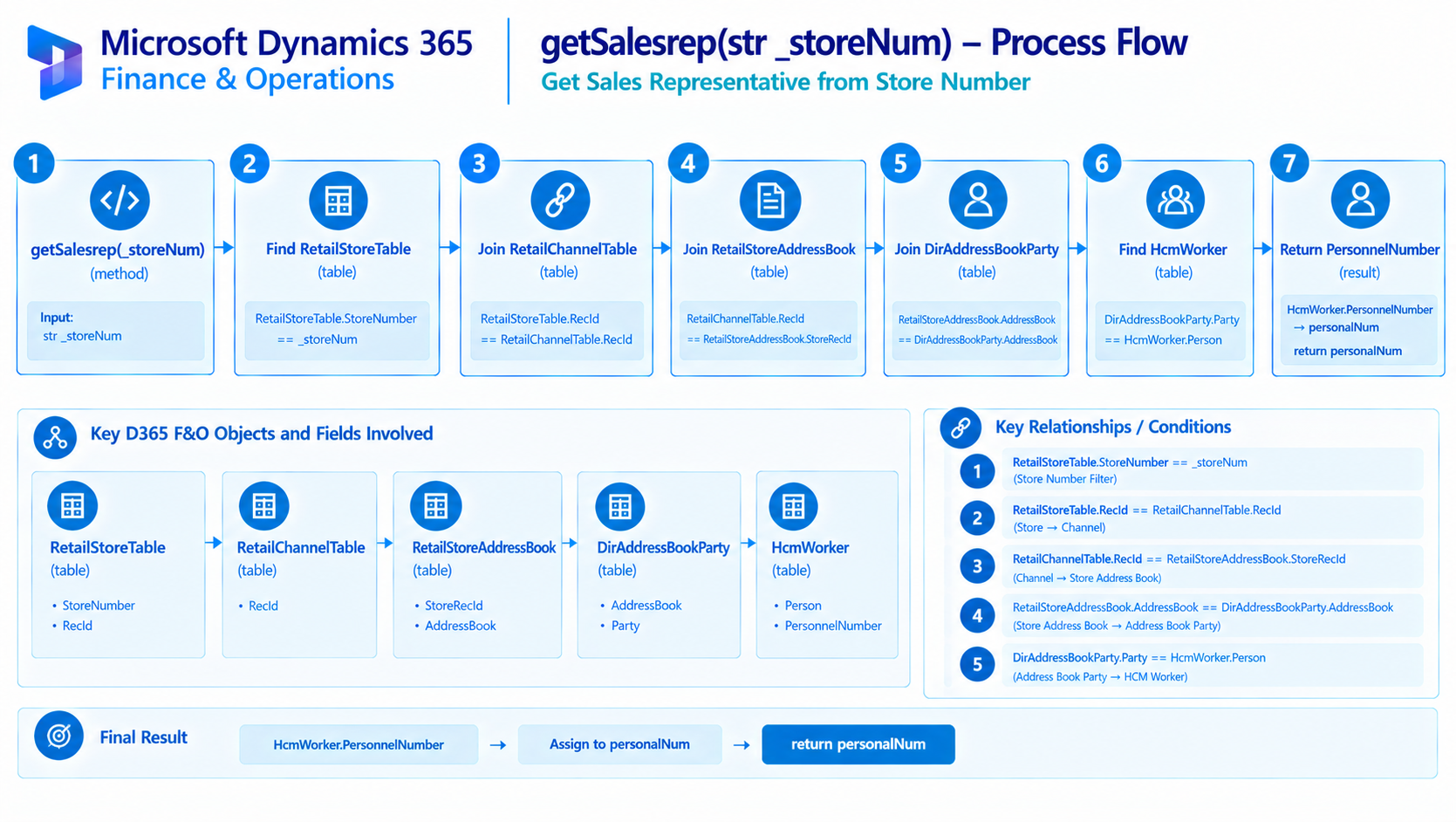
Figure: Flow of retrieving the sales representative personnel number from a retail store.
Found this useful?
Share it with your network
Written by
Ahmad Hassan
Microsoft Dynamics 365 Finance & Operation, Technical Consultant
More about me