
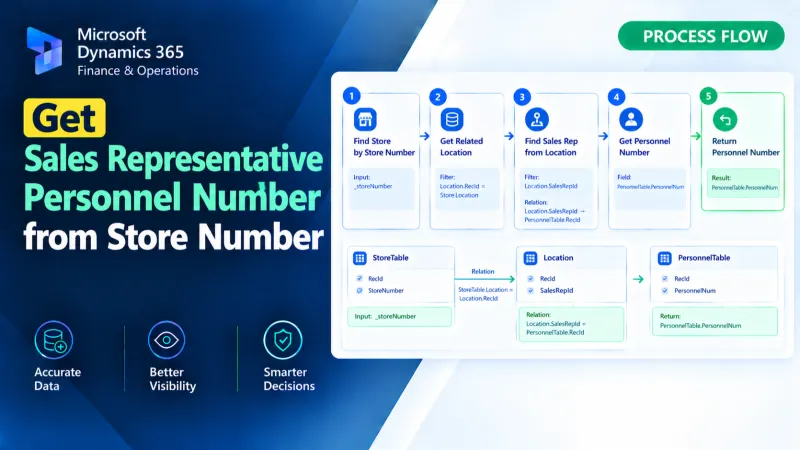
Get Sales Representative Personnel Number from Store Number
Retrieve the sales representative personnel number from a store number using X++ in D365 Finance and Operations.
All Articles
Deep dives into X++ development, SSRS reporting, workflow automation, and ERP integration patterns for Microsoft Dynamics 365 Finance & Operations.
21 articles published
Retrieve the sales representative personnel number from a store number using X++ in D365 Finance and Operations.
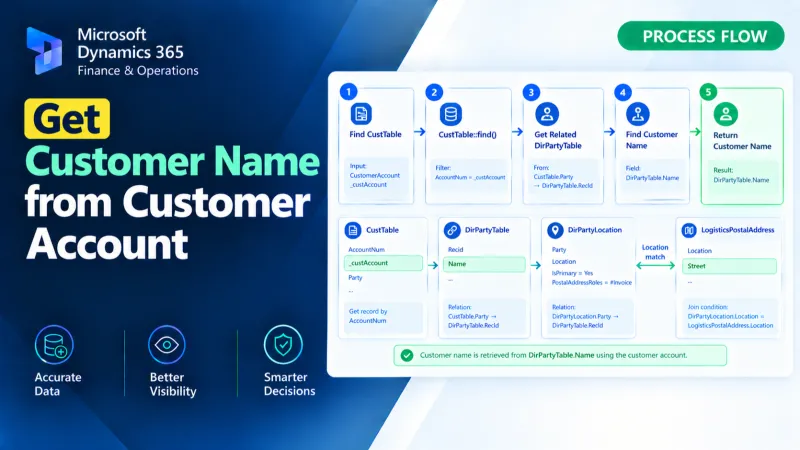
Retrieve the customer name from a customer account using X++ in D365 Finance and Operations.
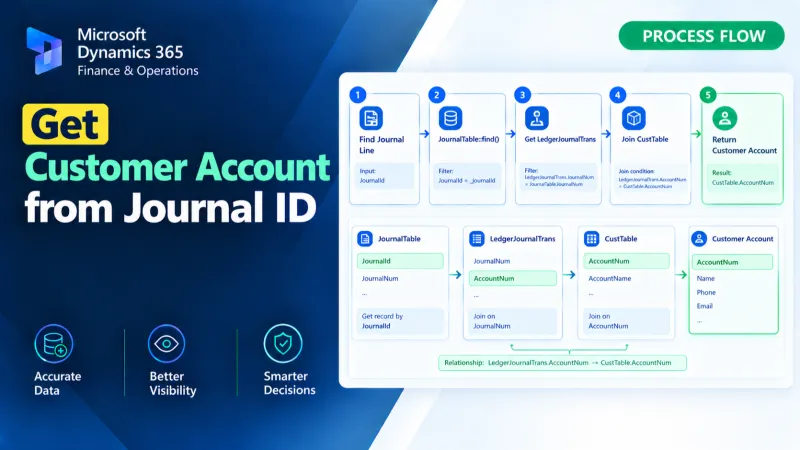
Retrieve the customer account from a journal ID using X++ in D365 Finance and Operations.
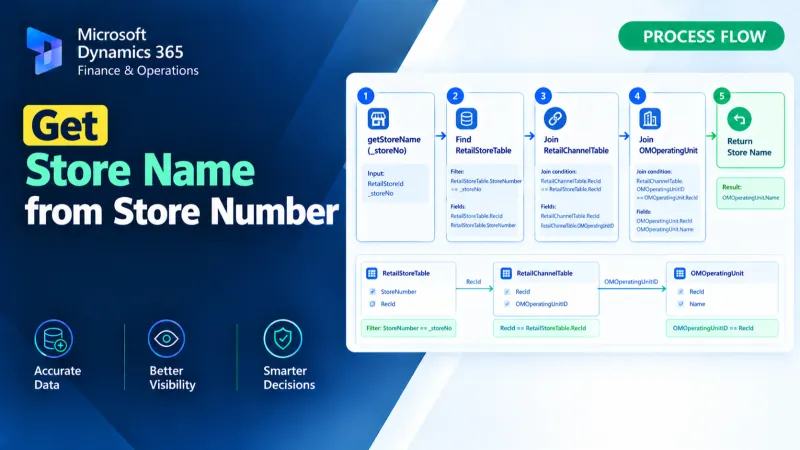
Retrieve the store name from a store number using X++ in D365 Finance and Operations.
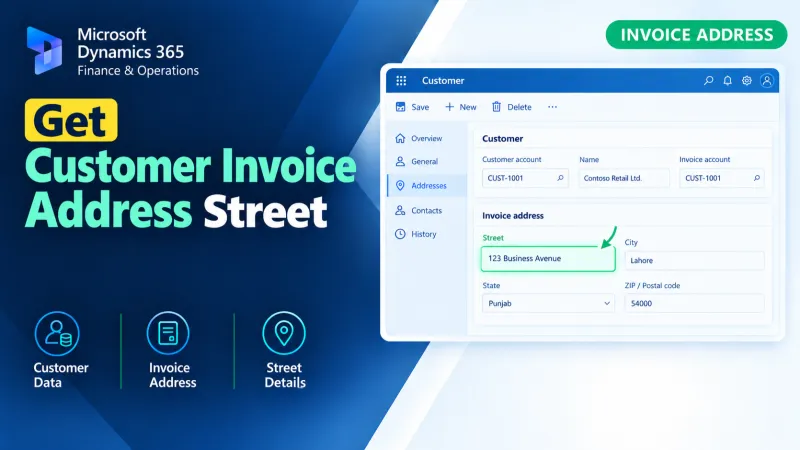
Retrieve the customer invoice address street using X++ in D365 Finance and Operations for accurate invoice address data processing.
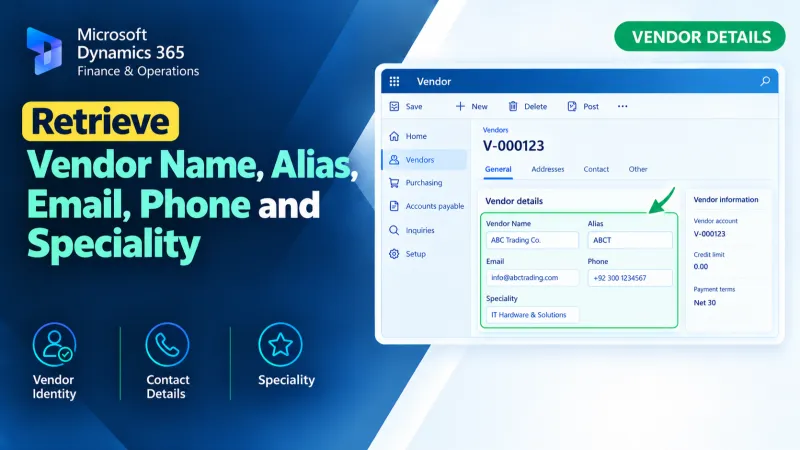
Retrieve vendor name, alias, email, phone, and speciality details using X++ in D365 Finance and Operations.
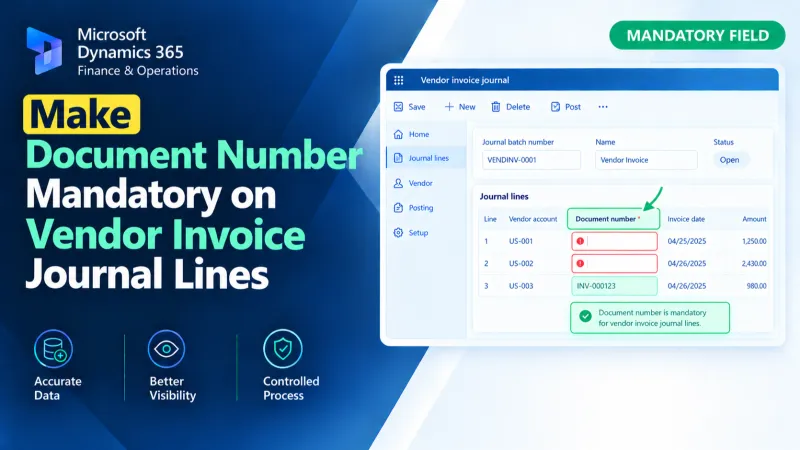
Make the Document Number mandatory on Vendor Invoice Journal lines in D365 F&O using X++ validation and form customization.
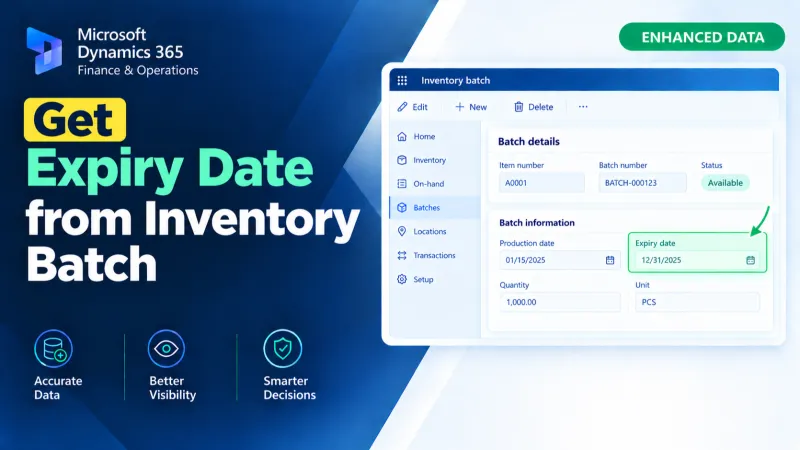
Retrieve an inventory batch expiry date in D365 F&O using X++ for batch tracking and inventory-related processing.