Get Expiry Date from Inventory Batch
Retrieve an inventory batch expiry date in D365 F&O using X++ for batch tracking and inventory-related processing.
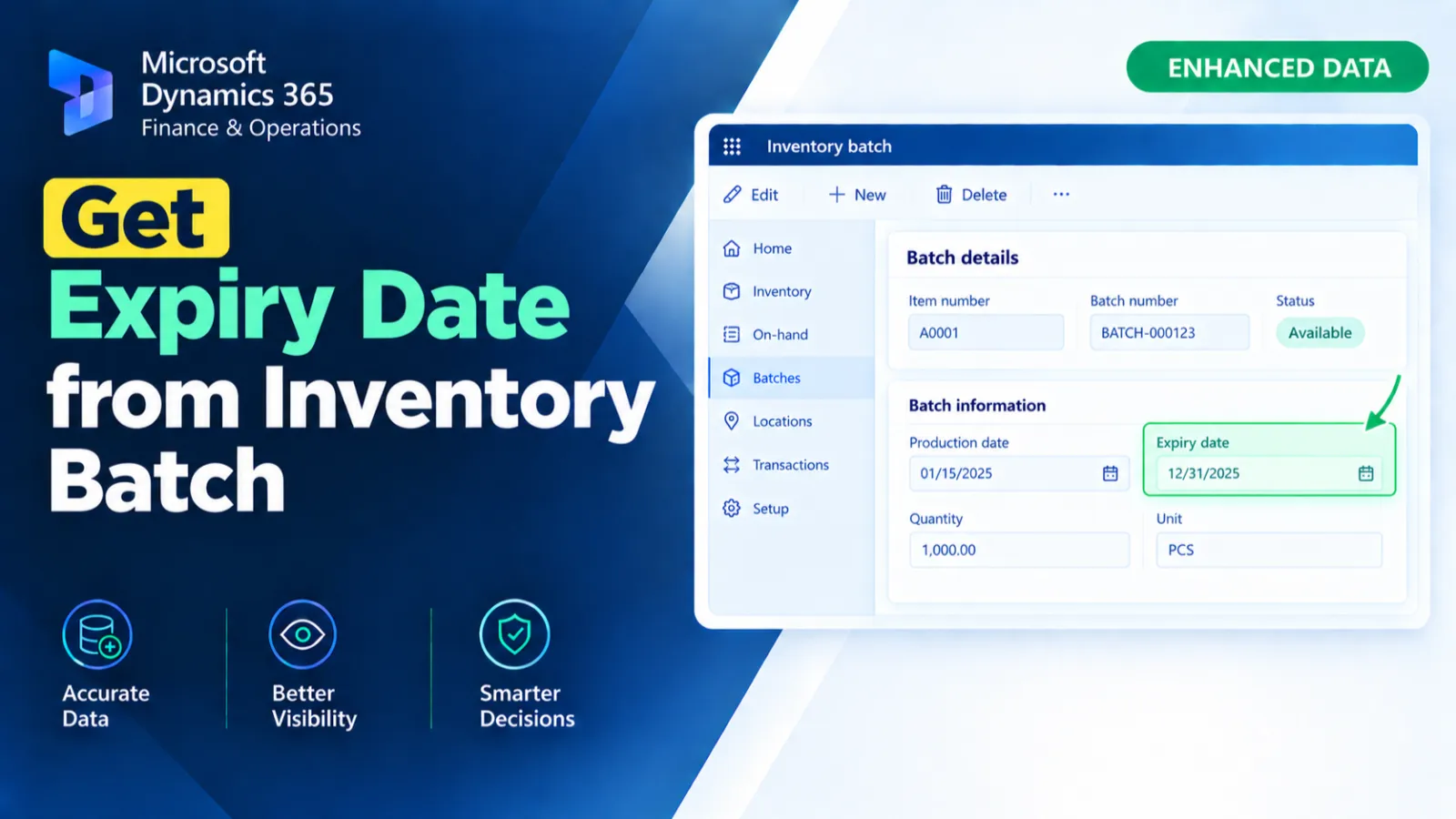
This display method retrieves the expiry date associated with the selected inventory batch. It obtains the relevant InventDim record from the InventOnhandItem form and identifies the corresponding inventory information using the item and inventory dimension. The method then retrieves the batch expiry date from InventBatch and returns it.
X++ Code
display TransDate expiryDate(InventSum _inventSum )
    {
        InventBatch inventBatch;
        InventDim   inventDim =this.inventDim();
       // InventSum inventsum = this.cursor();
        InventDim                    inventDimLoc;
        InventSum                    inventSumLoc;

        FormObjectSet formObjectSet = this.formRun().dataSource(formDataSourceStr(InventOnhandItem, InventDim));
        FormDataSource inventDim_fds   = formObjectSet as FormDataSource;
        Common InventDimJoined         = formJoinedRecord(_inventSum, inventDim_fds);

        inventDimLoc = InventDimJoined as InventDim;

        select firstonly inventSumLoc
        where inventSumLoc.ItemId == _inventSum.ItemId
&& inventSumLoc.InventDimension1 == inventDimLoc.InventDimension1;


           select firstonly expDate from inventBatch
                where inventBatch.ItemId      == inventSumloc.ItemId
&& inventBatch.InventBatchId == inventDimLoc.InventBatchId;
        return inventBatch.expDate;


    }
Process Flow
The display method receives an InventSum record and obtains the related InventDim data from the InventOnhandItem form.
It uses formJoinedRecord() to identify the relevant inventory dimension and searches InventSum using the item and dimension information.
The method then finds the corresponding InventBatch using the item and batch ID.
Finally, it returns the expDate value from the selected inventory batch.
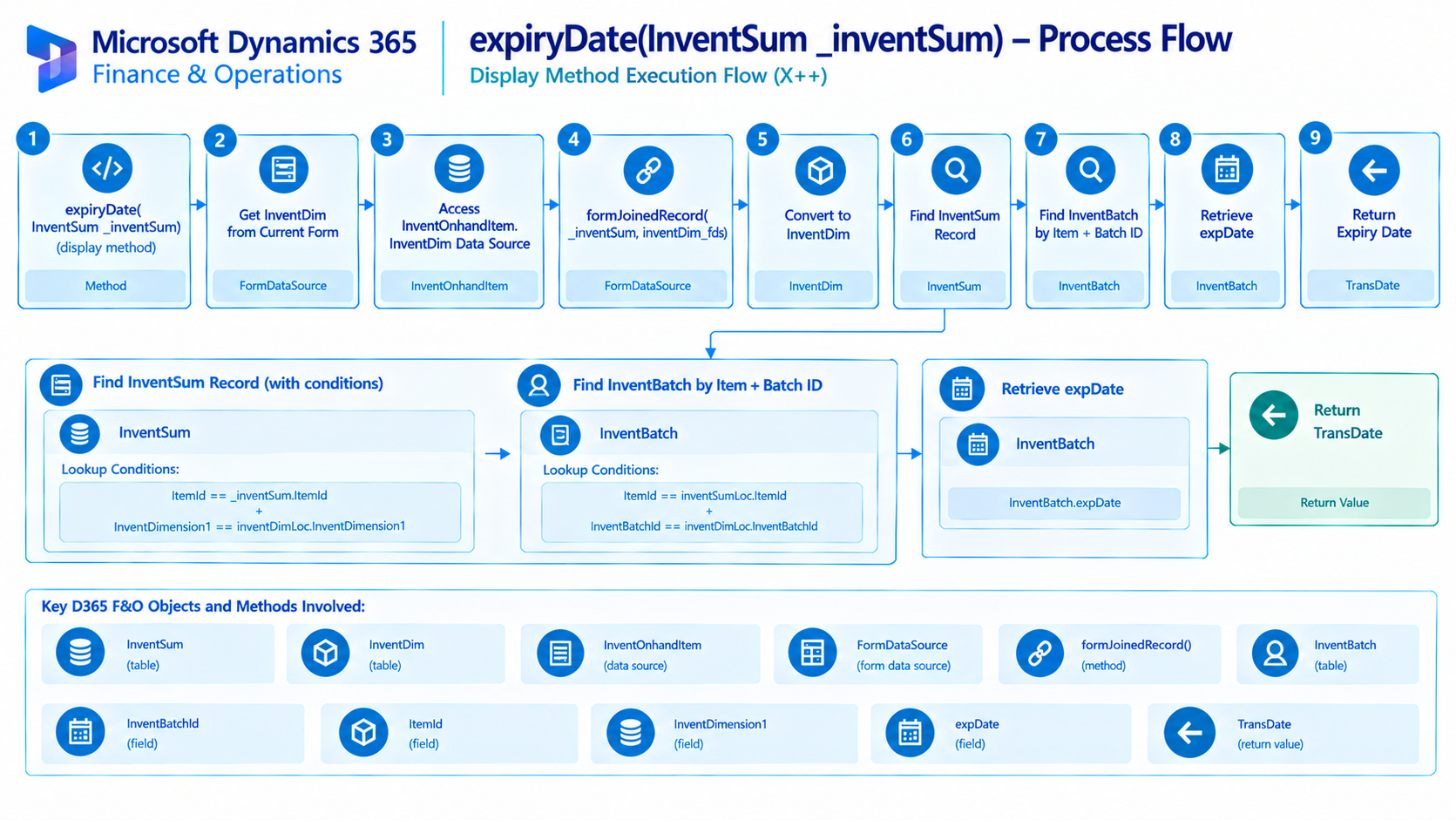
Figure: Flow of retrieving the expiry date for the selected inventory batch.

Related Posts
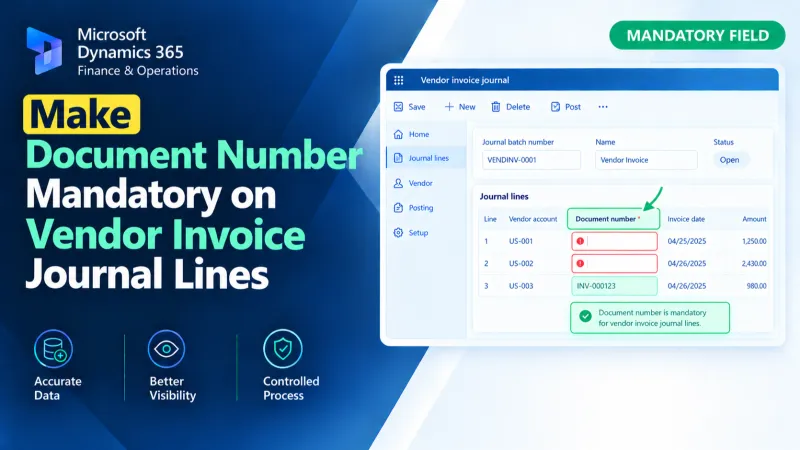
Make Document Number Mandatory on Vendor Invoice Journal Lines
Make the Document Number mandatory on Vendor Invoice Journal lines in D365 F&O using X++ validation and form customization.
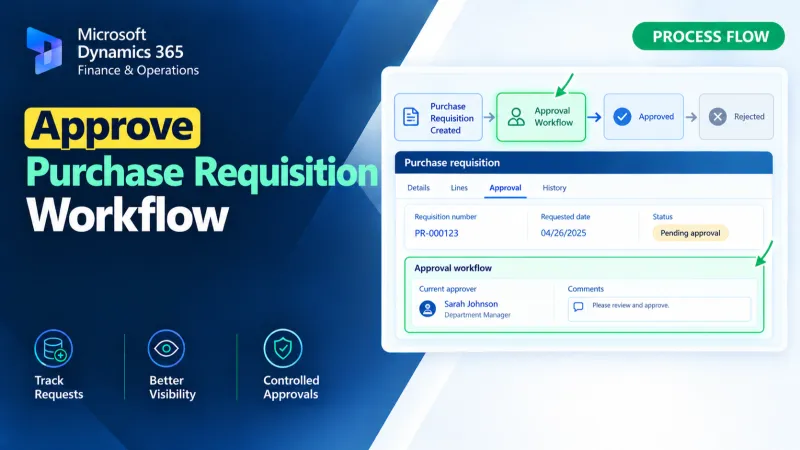
Approve Purchase Requisition Workflow
Approve Purchase Requisition workflows in D365 F&O using X++ for workflow approval processing and business logic customization.
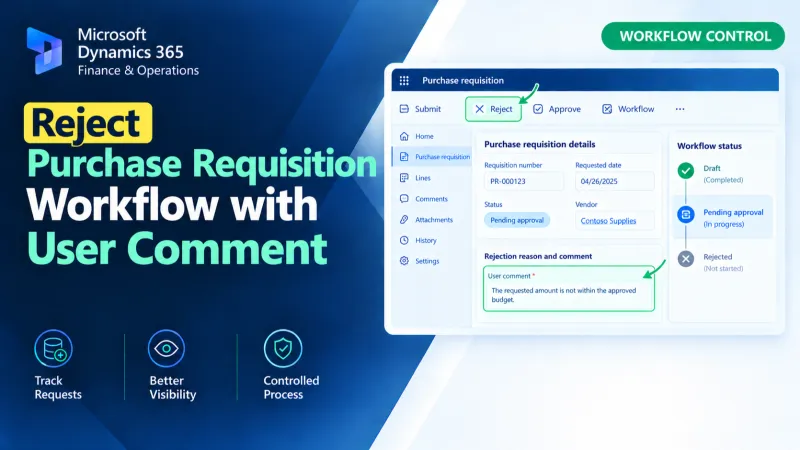
Reject Purchase Requisition Workflow with User Comment
Reject Purchase Requisition workflows in D365 F&O using X++ while capturing the user’s comment during the workflow rejection process.