Make Document Number Mandatory on Vendor Invoice Journal Lines
Make the Document Number mandatory on Vendor Invoice Journal lines in D365 F&O using X++ validation and form customization.
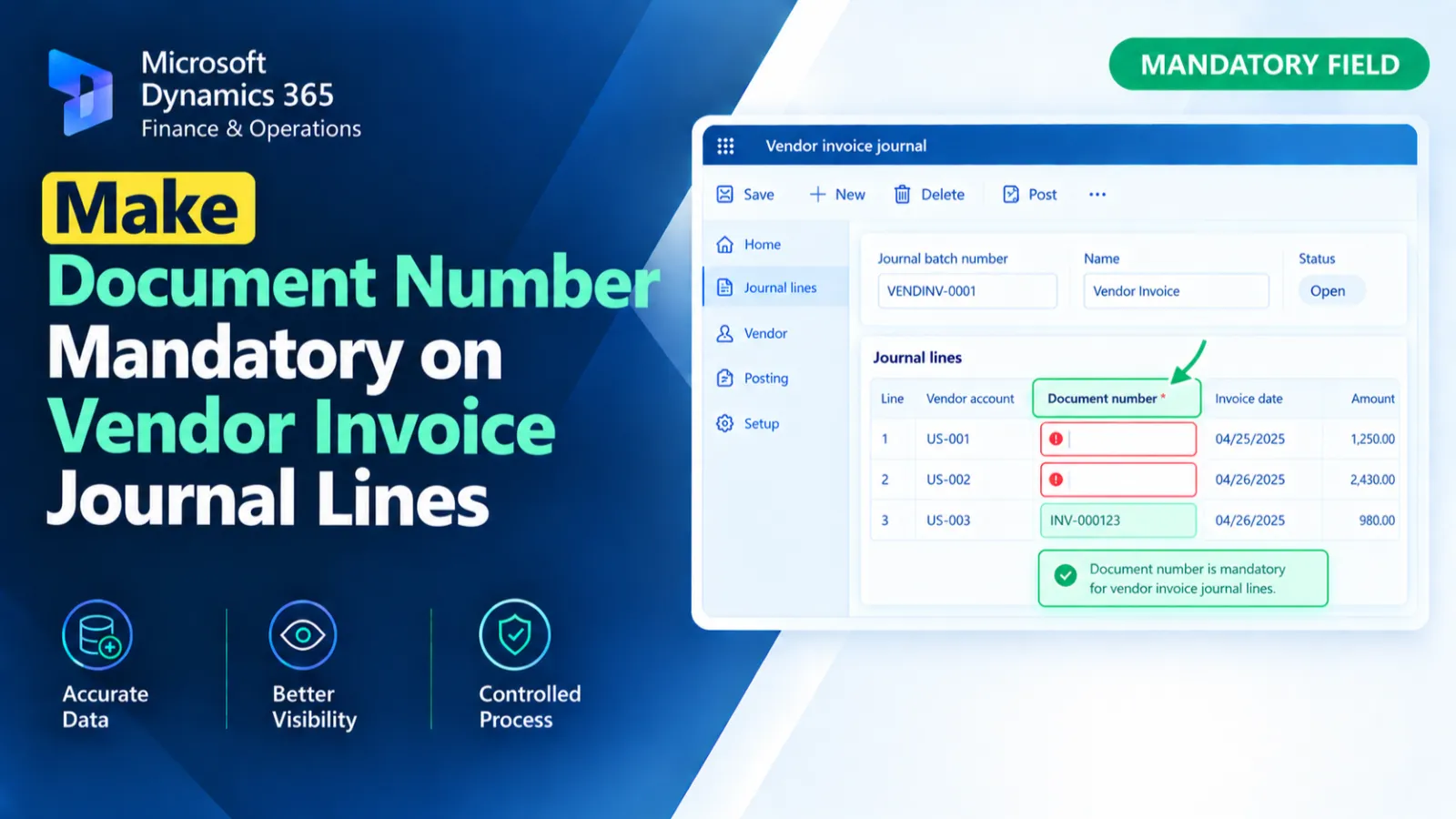
This form data source extension customizes the LedgerJournalTransVendInvoice form behavior for LedgerJournalTrans.
When the data source becomes active, it sets the DocumentNum field as mandatory.
The standard active() method is executed first, and its return value is preserved.
X++ Code
final class Ed_LedgerJournalTransVendInvoice_Extension
{
    public int active()
    {
        int ret = next active();

        this.object(fieldNum(LedgerJournalTrans, DocumentNum)).mandatory(true);

        return ret;
    }

}
Process Flow
The active() method is triggered when the LedgerJournalTrans data source becomes active.
The standard next active() method executes and its return value is stored in ret.
The DocumentNum field on LedgerJournalTrans is then set as mandatory.
Finally, the original active() return value is returned.
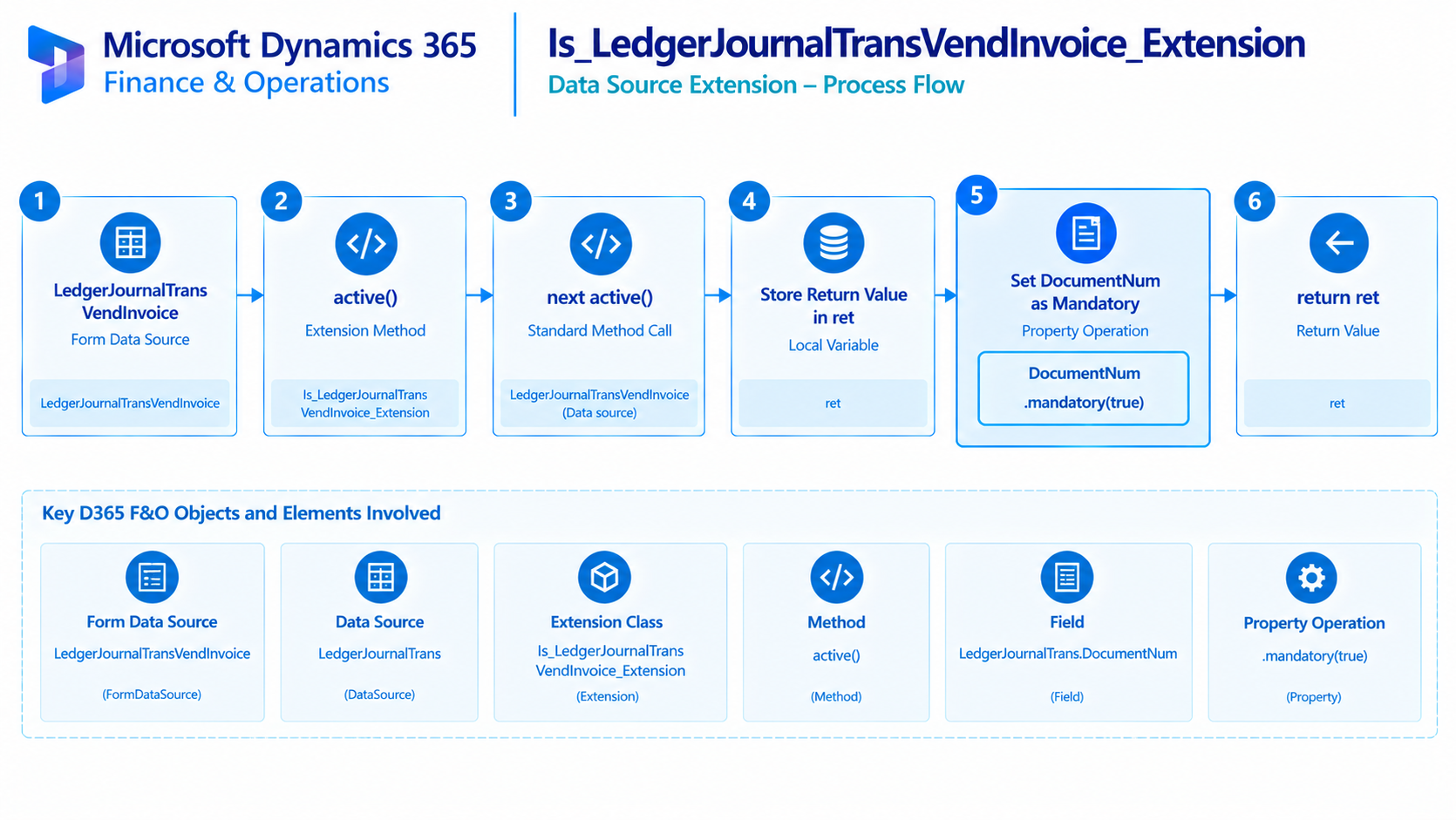
Figure: Flow of making the Document Number field mandatory on vendor invoice journal transactions.

Related Posts
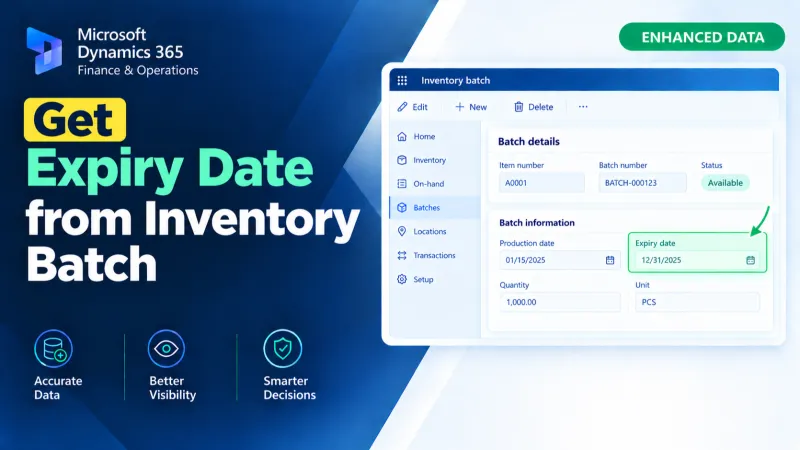
Get Expiry Date from Inventory Batch
Retrieve an inventory batch expiry date in D365 F&O using X++ for batch tracking and inventory-related processing.
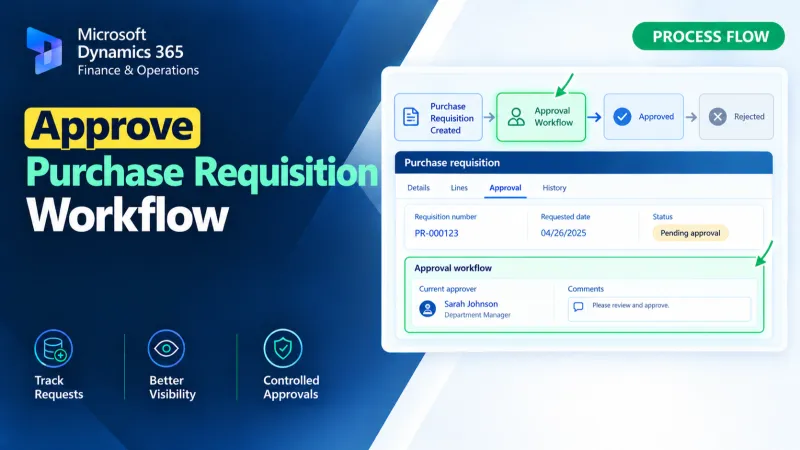
Approve Purchase Requisition Workflow
Approve Purchase Requisition workflows in D365 F&O using X++ for workflow approval processing and business logic customization.
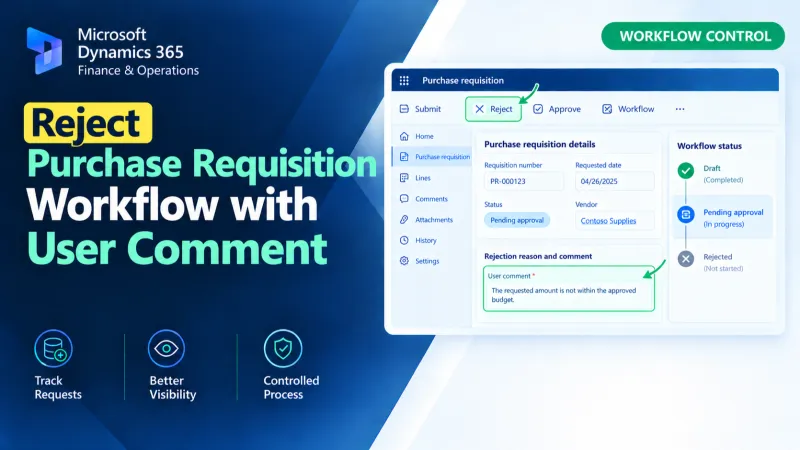
Reject Purchase Requisition Workflow with User Comment
Reject Purchase Requisition workflows in D365 F&O using X++ while capturing the user’s comment during the workflow rejection process.