

Get Customer Account from Journal ID
Retrieve the customer account from a journal ID using X++ in D365 Finance and Operations.
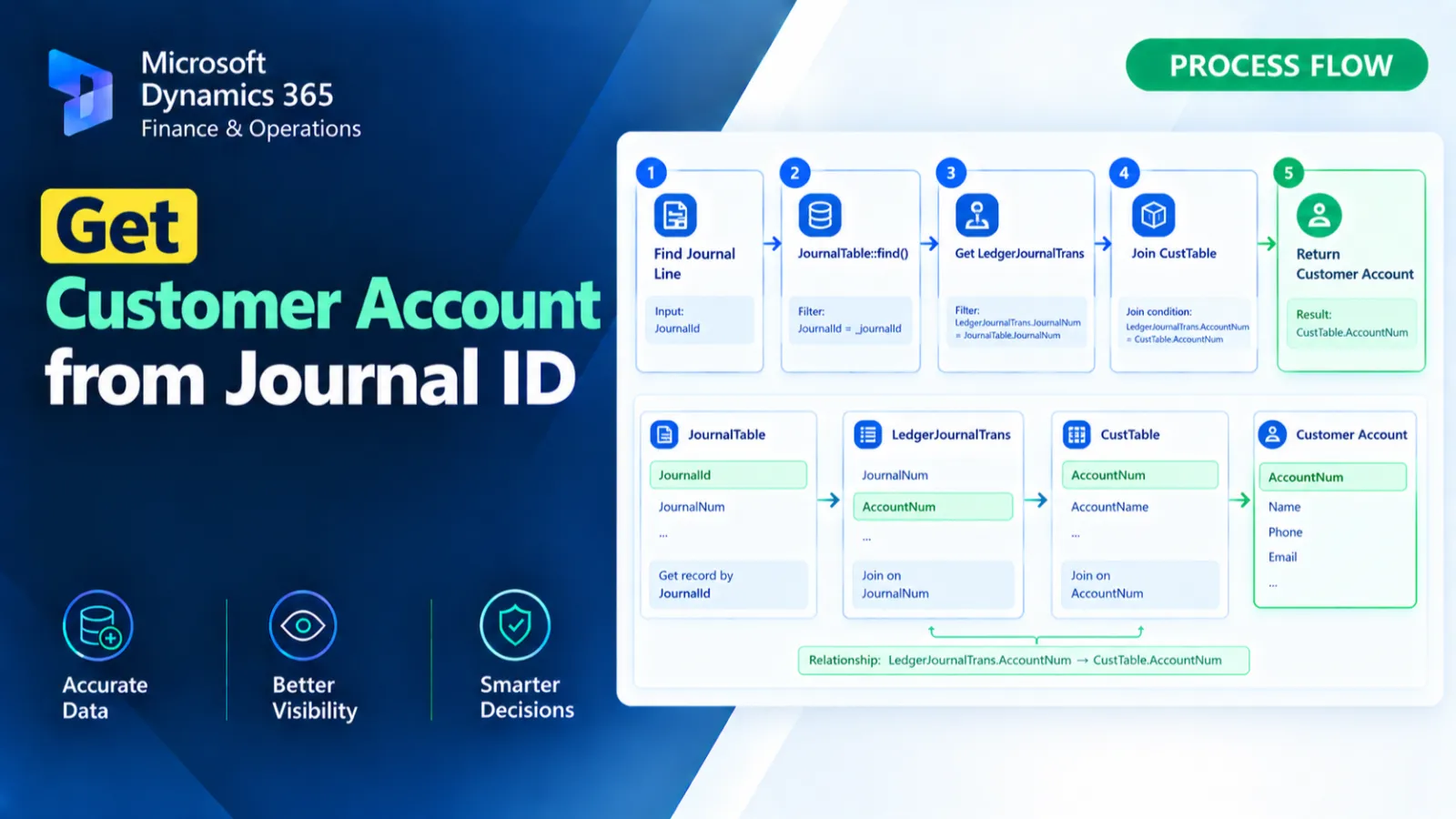
This X++ method retrieves the customer account associated with a specified journal ID.
It identifies the customer-type ledger journal transaction and obtains its LedgerDimension.
The dimension combination is then used to find the corresponding customer record, and the customer account number is returned.
X++ Code
public static CustAccount getcustomer(JournalId _JournalId)

{

    LedgerJournalTrans                    _ledgerJournalTrans;

    CustTable                             custTable;

    DimensionAttributeValueCombination    combination;

    select JournalNum,LedgerDimension from _ledgerJournalTrans

            where _ledgerJournalTrans.JournalNum  == _JournalId

               && _ledgerJournalTrans.AccountType == LedgerJournalACType::Cust;

    combination = DimensionAttributeValueCombination::find(_ledgerJournalTrans.LedgerDimension);

    custTable = CustTable::find(combination.DisplayValue);

    return custTable.AccountNum;

}
Process Flow
The method receives a journal ID and selects the related LedgerJournalTrans record where the account type is Cust.
It retrieves the transaction's LedgerDimension and finds the related DimensionAttributeValueCombination record.
The combination's DisplayValue is used to find the corresponding CustTable record.
Finally, the method returns the customer's AccountNum.
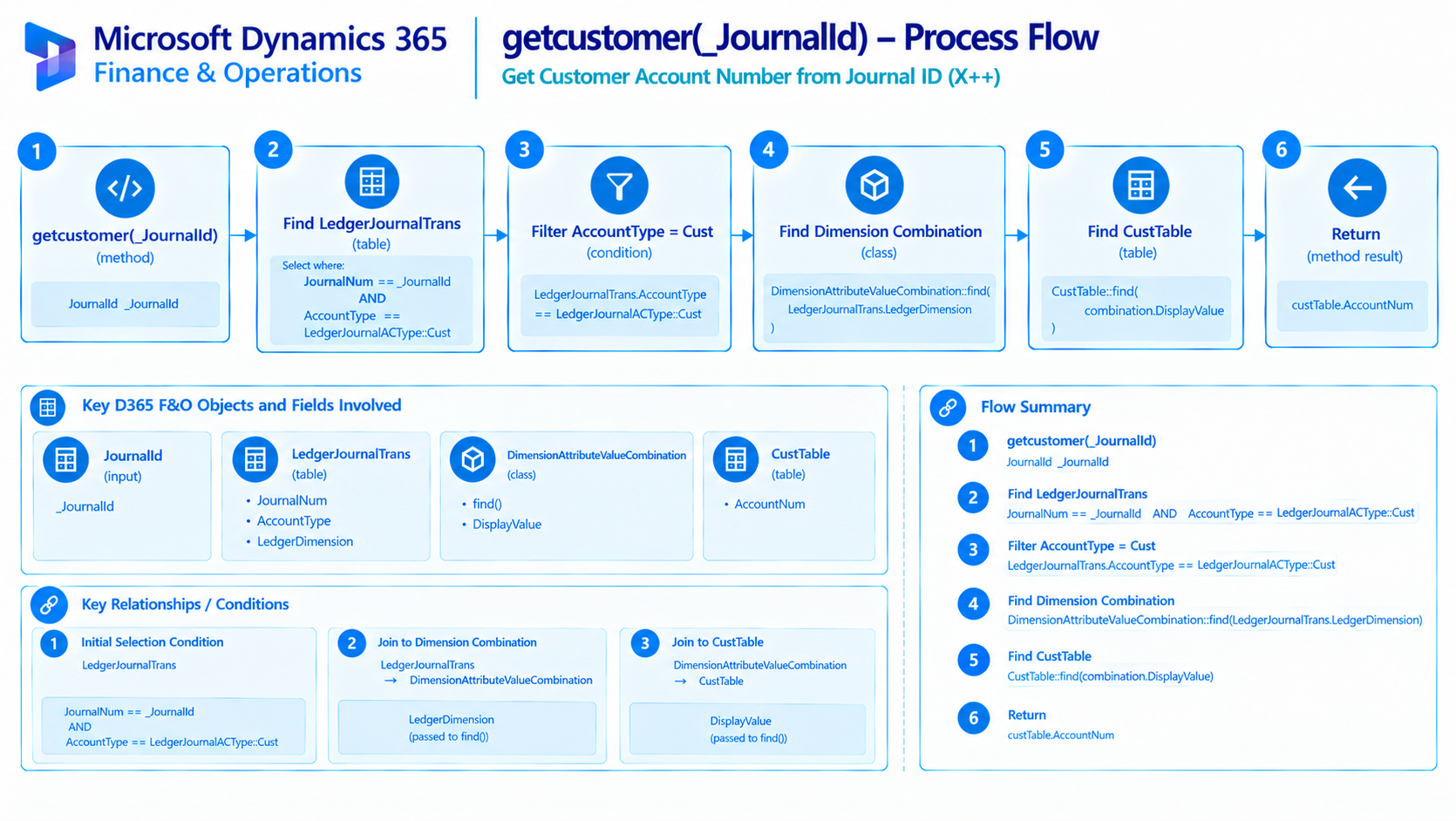
Figure: Flow of retrieving a customer account from a customer ledger journal transaction.
Found this useful?
Share it with your network
Written by
Ahmad Hassan
Microsoft Dynamics 365 Finance & Operation, Technical Consultant
More about meRelated Posts
Get Store Name from Store Number
Retrieve the store name from a store number using X++ in D365 Finance and Operations.
Get Customer Invoice Address Street
Retrieve the customer invoice address street using X++ in D365 Finance and Operations for accurate invoice address data processing.
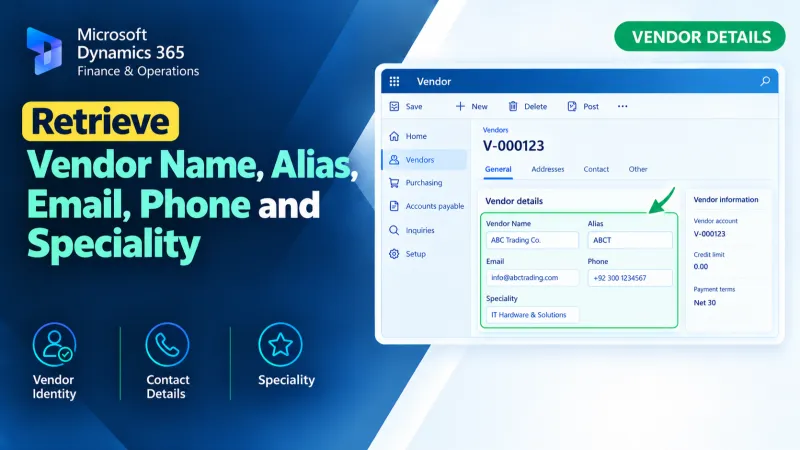
Retrieve Vendor Name, Alias, Email, Phone and Speciality
Retrieve vendor name, alias, email, phone, and speciality details using X++ in D365 Finance and Operations.