

Retrieve Vendor Name, Alias, Email, Phone and Speciality
Retrieve vendor name, alias, email, phone, and speciality details using X++ in D365 Finance and Operations.
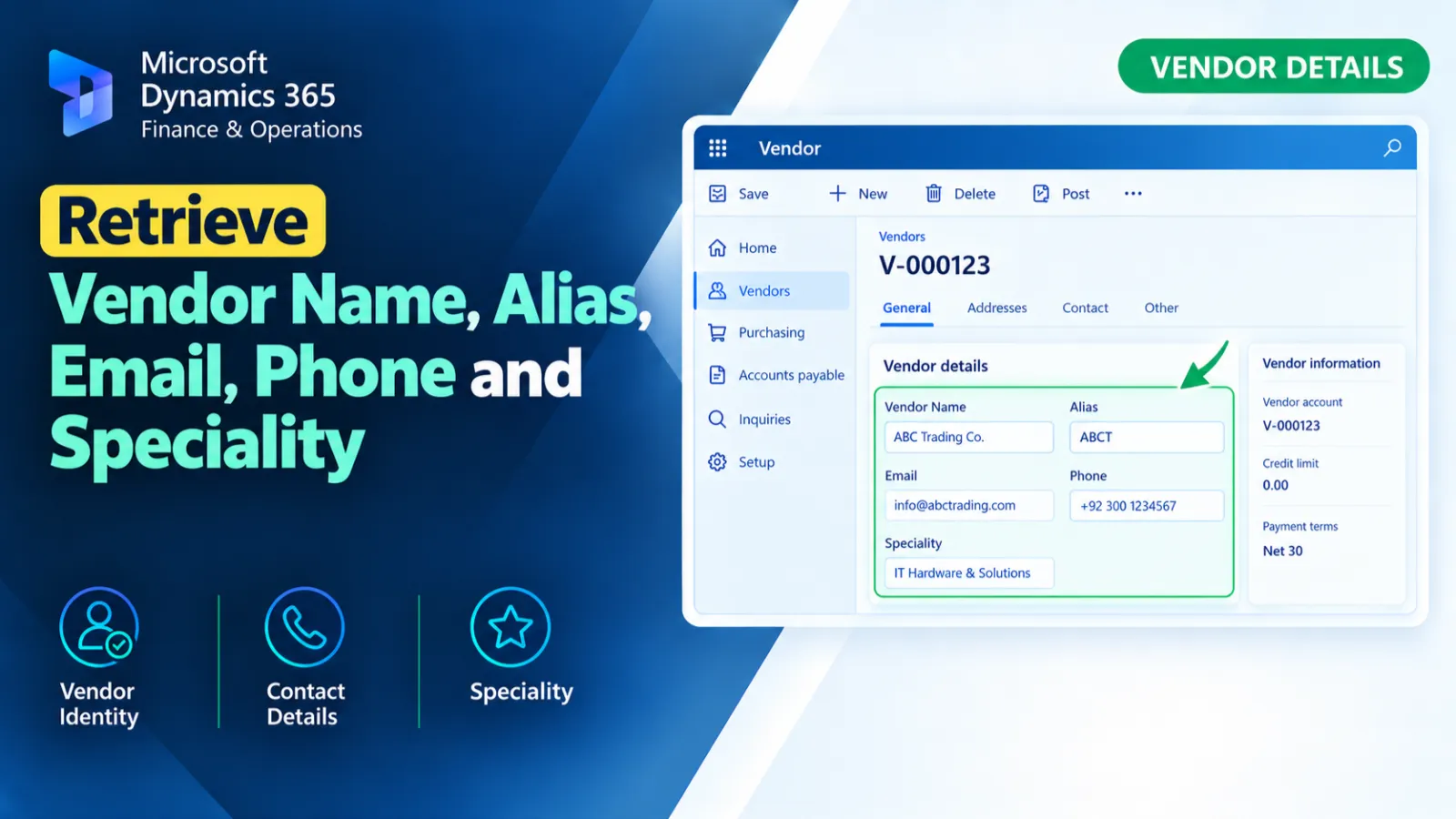
This X++ code retrieves vendor 0001 and its related party information from D365 F&O.
It reads the vendor name and alias, then loops through party locations to find the first available email and phone number.
The collected vendor details are displayed together in a single informational message.
X++ Code
VendTable                   vendTable;
    DirPartyTable                dirPartyTable;
    DirPartyLocation             dirPartyLocation;
    LogisticsElectronicAddress   logisticsElectronicAddressEmail;
    LogisticsElectronicAddress   logisticsElectronicAddressPhone;

    str email, phone;

    select firstOnly vendTable
where vendTable.AccountNum == '0001';

    select firstOnly dirPartyTable
where dirPartyTable.RecId == vendTable.Party;   // 🔹 Vendor Name & Alias

    // Loop through locations and capture first email/phone
    while select dirPartyLocation
where dirPartyLocation.Party == vendTable.Party
    {
        if (!email)
        {
            select firstOnly logisticsElectronicAddressEmail
        where logisticsElectronicAddressEmail.Location == dirPartyLocation.Location
&& logisticsElectronicAddressEmail.Type == LogisticsElectronicAddressMethodType::Email;

            email = logisticsElectronicAddressEmail.Locator;
        }

        if (!phone)
        {
            select firstOnly logisticsElectronicAddressPhone
        where logisticsElectronicAddressPhone.Location == dirPartyLocation.Location
&& logisticsElectronicAddressPhone.Type == LogisticsElectronicAddressMethodType::Phone;

            phone = logisticsElectronicAddressPhone.Locator;
        }
    }

    // Single info message after loop
    info(strFmt("Vendor: %1 | Name: %2 | Alias: %3 | Email: %4 | Phone: %5 | Speciality Box %6" ,
vendTable.AccountNum,
dirPartyTable.Name,
dirPartyTable.NameAlias,
email,
phone, vendTable.SpecialityName));
Process Flow
The code first retrieves vendor account 0001 from VendTable and its related DirPartyTable record.
It then loops through the vendor's party locations and retrieves the first available email and phone address.
Finally, the vendor account, name, alias, email, phone, and SpecialityName are displayed in a single information message.
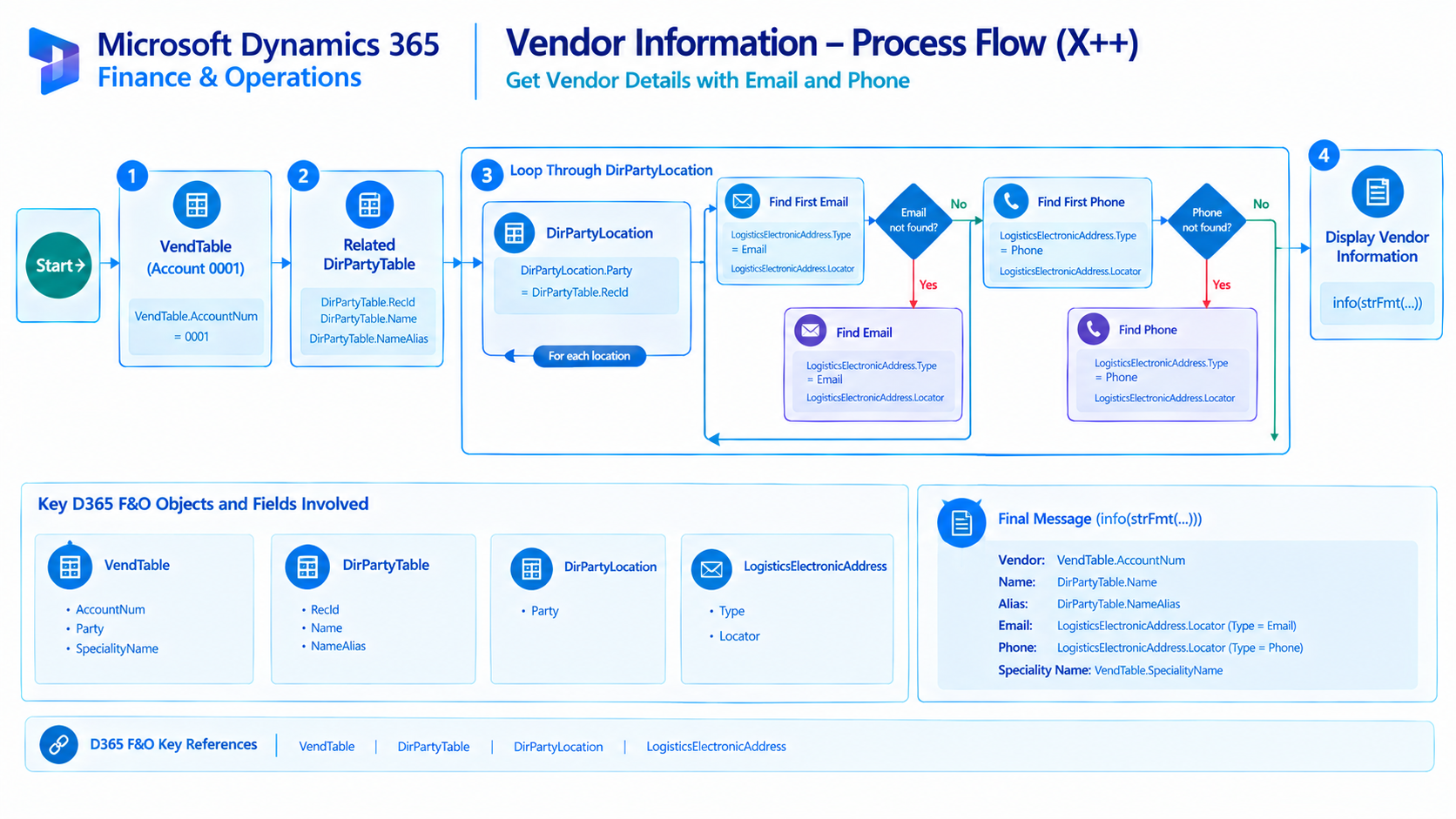
Figure: Flow of retrieving and displaying vendor contact and party information.
Found this useful?
Share it with your network
Written by
Ahmad Hassan
Microsoft Dynamics 365 Finance & Operation, Technical Consultant
More about meRelated Posts
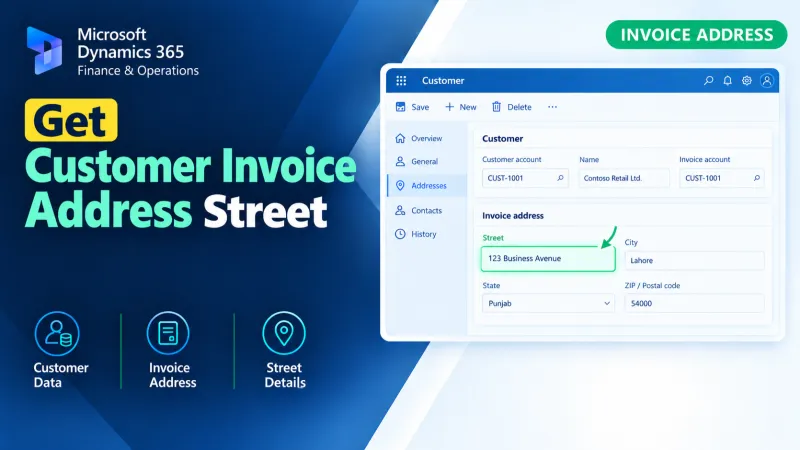
Get Customer Invoice Address Street
Retrieve the customer invoice address street using X++ in D365 Finance and Operations for accurate invoice address data processing.
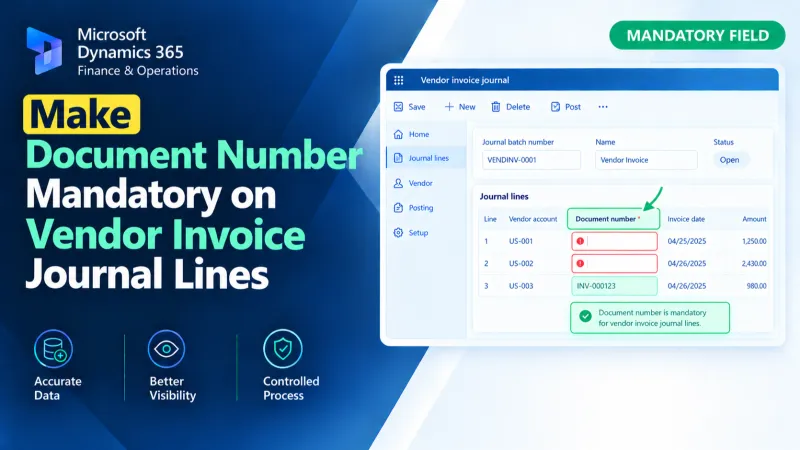
Make Document Number Mandatory on Vendor Invoice Journal Lines
Make the Document Number mandatory on Vendor Invoice Journal lines in D365 F&O using X++ validation and form customization.
Get Expiry Date from Inventory Batch
Retrieve an inventory batch expiry date in D365 F&O using X++ for batch tracking and inventory-related processing.