Item Arrival Journal Report Controller with Language-Based Design Selection
Use an X++ report controller in D365 F&O to dynamically select Arabic or English SSRS designs for the Item Arrival Journal Report.
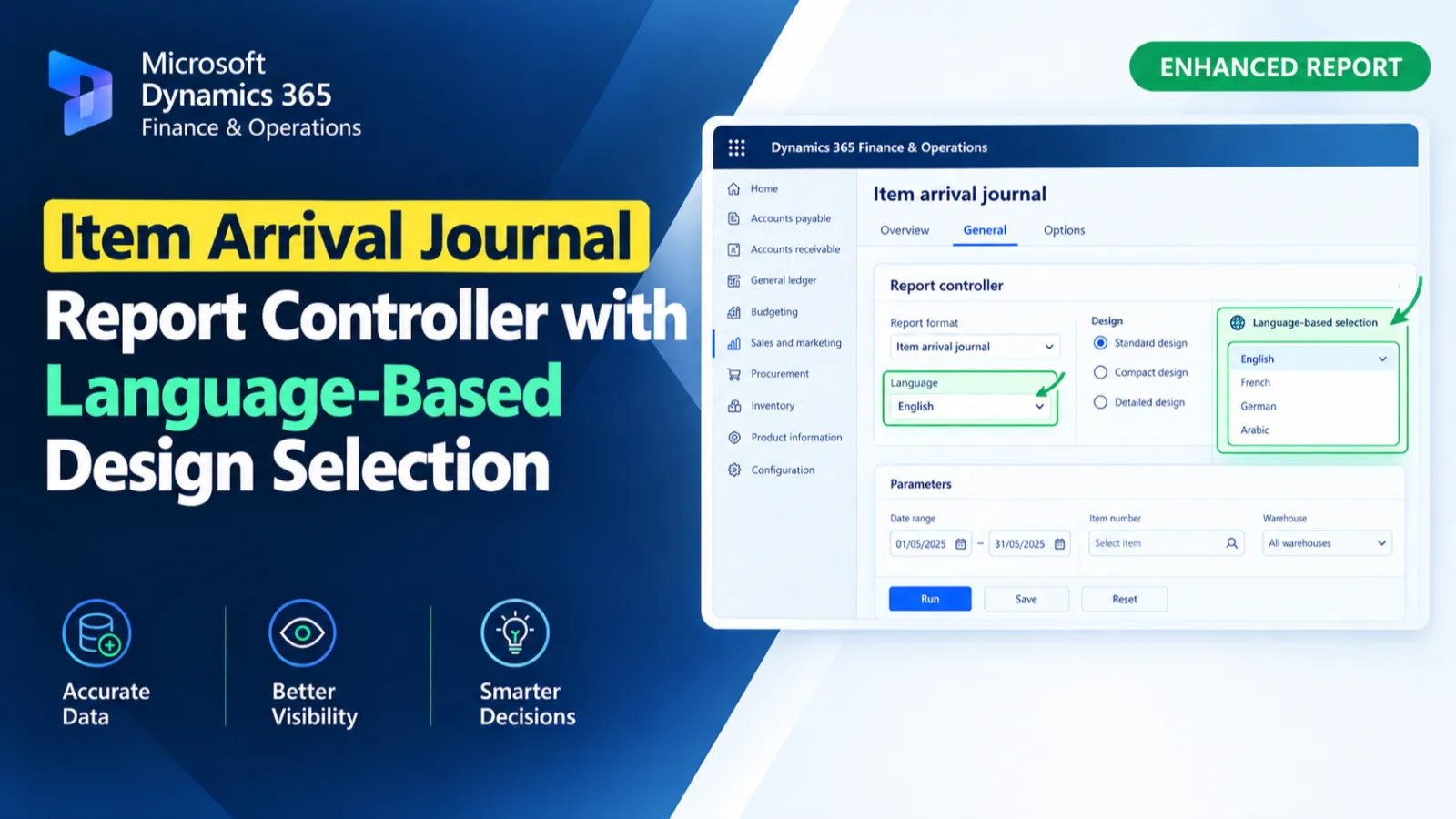
This custom report controller manages the execution of the Item Arrival Journal Report and initializes its reporting contract from the selected journal record. It dynamically selects the Arabic or English SSRS report design based on the language value stored in the contract. The controller also sets the report caption, passes arguments, and starts the report operation.
X++ Code
final class HAWItemArrivalJournalController extends SrsReportRunController
{
    public static HAWItemArrivalJournalController construct()
    {
        return new HAWItemArrivalJournalController();
    }

    public static void main(Args _args)
    {
        HAWItemArrivalJournalController controller = new HAWItemArrivalJournalController();
        controller.parmReportName(ssrsReportStr(HAWItemArrivalJournalReport, EngDesign));
        controller.parmDialogCaption("Receiving Report");
        controller.parmArgs(_args);
        controller.parmShowDialog(true);
        controller.startOperation();
    }

    protected void preRunModifyContract()
    {
        HAWItemArrivalJournalContract contract = this.parmReportContract().parmRdpContract() as HAWItemArrivalJournalContract;

        this.parmReportContract().parmReportName(this.getReportName(contract));

        super();
    }

    protected void prePromptModifyContract()
    {
        HAWItemArrivalJournalContract contract;
        WMSJournalTable     journalTable;

        if(this.parmArgs().record())
        {
            contract        = this.parmReportContract().parmRdpContract() as HAWItemArrivalJournalContract;
            journalTable    = this.parmArgs().record();
            contract.parmJournalId(journalTable.journalId);
        }
    }

    private str getReportName(HAWItemArrivalJournalContract _contract)
    {
        str reportNameLocal;

        if (_contract.parmReportDesign() == HAWItemArrivalJournalLanguage::Arabic)
        {
            reportNameLocal = ssrsReportStr(HAWItemArrivalJournalReport, ArabicDesign);
        }
        else
        {
            reportNameLocal = ssrsReportStr(HAWItemArrivalJournalReport, EngDesign);
        }
        return reportNameLocal;
    }

}
Process Flow
The controller initializes the HAWItemArrivalJournalReport with the English design, passes the report arguments, and starts the operation.
Before prompting, the selected WMSJournalTable record is used to populate the journal ID in the report contract.
Before execution, preRunModifyContract() determines the report design through getReportName().
The Arabic design is selected for Arabic language; otherwise, the English design is used.
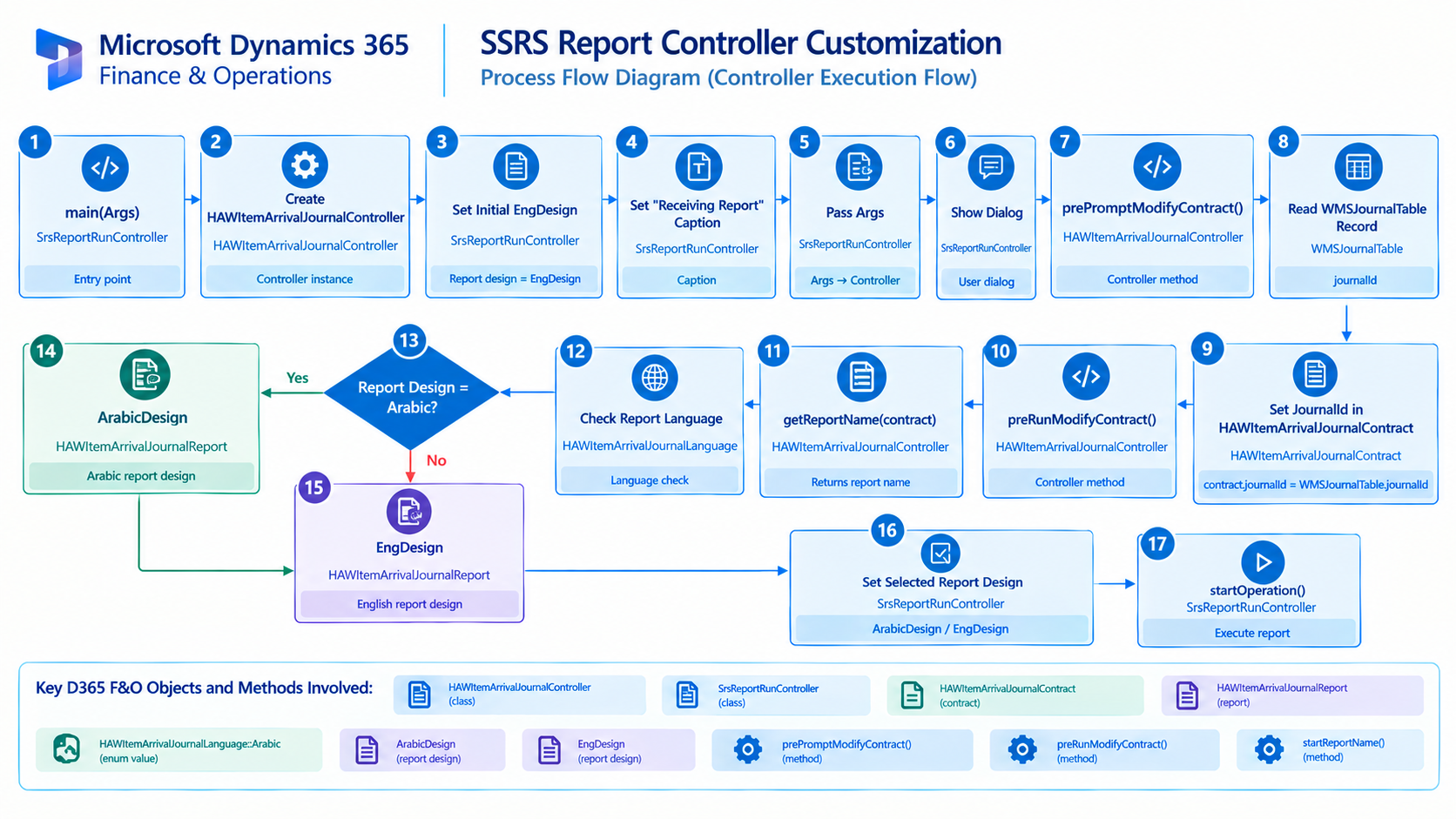
Figure: Flow of the Item Arrival Journal Report controller with journal initialization and language-based SSRS design selection.

Related Posts
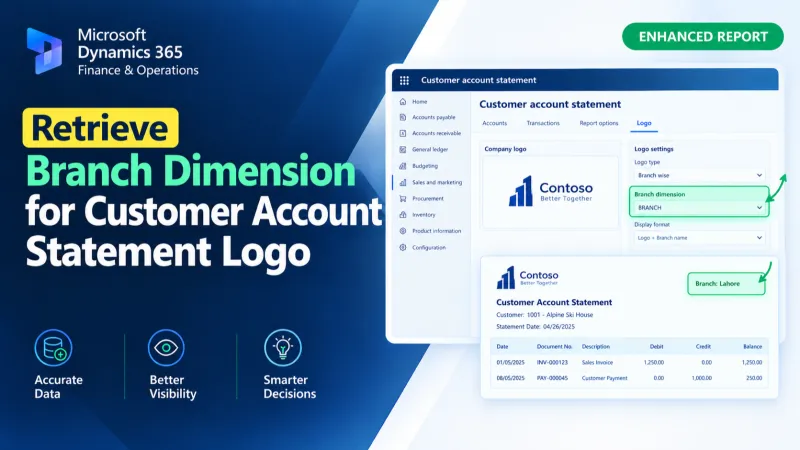
Retrieve Branch Dimension for Customer Account Statement Logo
Retrieve the Branch financial dimension for a customer account and assign its display value to the Customer Account Statement temporary report data using X++.
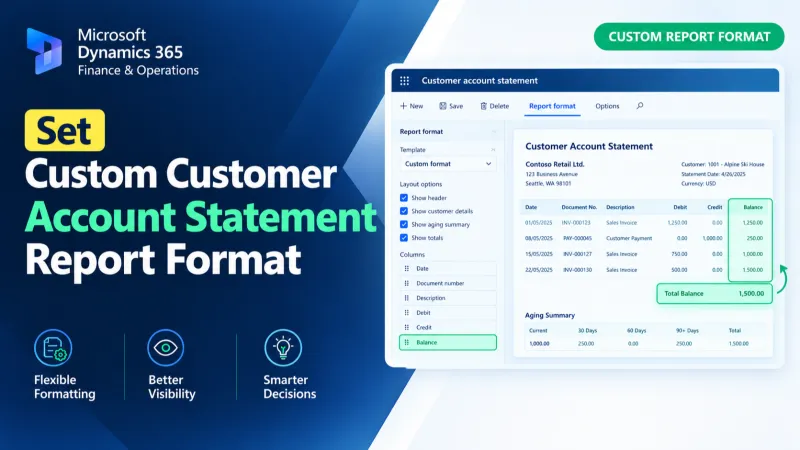
Set Custom Customer Account Statement Report Format
Set a custom SSRS report format for Customer Account Statements in D365 F&O using X++ and the PrintMgmtDocType delegate.
Get Brand Name from Sales Line Financial Dimensions
Retrieve brand names from D365 F&O sales lines using X++ financial dimensions and DimensionFinancialTag to resolve brand descriptions.