Retrieve Branch Dimension for Customer Account Statement Logo
Retrieve the Branch financial dimension for a customer account and assign its display value to the Customer Account Statement temporary report data using X++.
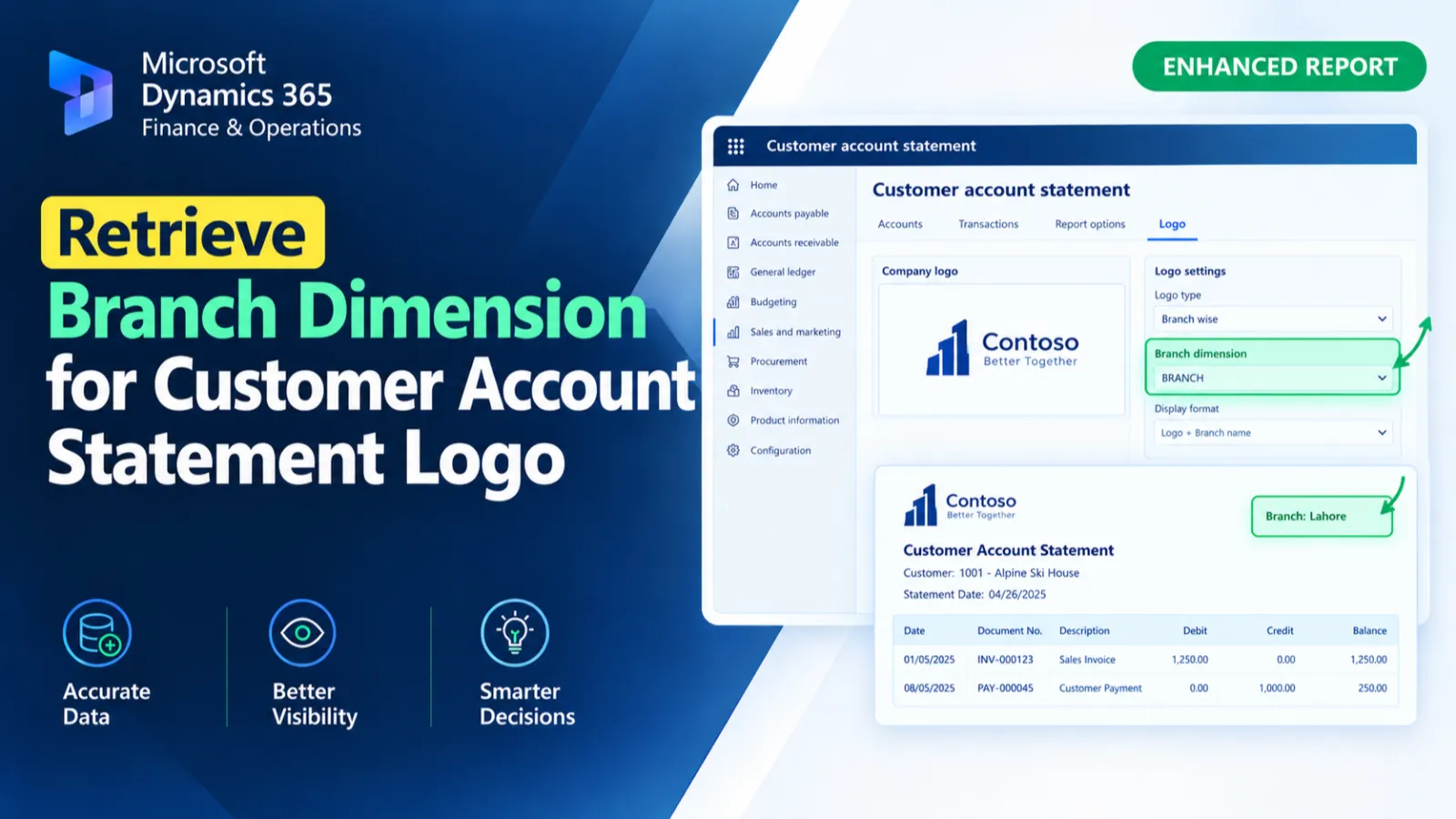
This customization sets the LogoDimension field on CustAccountStatementExtTmp by retrieving the Branch dimension associated with the customer account. The code identifies the customer through AccountNum, loads its default dimension set, and retrieves the display value for the Branch dimension. The resulting value is assigned to the report temporary record.
X++ Code
   {
        HAW_CustomerAccountstatement_EventHandler obj = new HAW_CustomerAccountstatement_EventHandler();
        CustAccountStatementExtTmp CustAccountStatementExtTmpnew = sender as CustAccountStatementExtTmp;
        CustAccountStatementExtTmpnew.LogoDimension = obj.getdimesnion(CustAccountStatementExtTmpnew.AccountNum);
    }

    public Name getdimesnion(AccountNum _accountNum)
    {
        CustTable custTable;
        DimensionAttribute dimensionAttribute;
        DimensionAttributeValueSetStorage dimStorage;
        str brandName;

        select firstOnly custTable where custTable.AccountNum == _accountNum;

        dimStorage = DimensionAttributeValueSetStorage::find(custTable.DefaultDimension); //custTable.DefaultDimension, 5637144577

        select firstOnly dimensionAttribute
            where dimensionAttribute.Name == 'Branch';

        if (dimensionAttribute.RecId)
        {
            brandName = dimStorage.getDisplayValueByDimensionAttribute(dimensionAttribute.RecId);
        }
        return brandName;
    }

}
Process Flow
The customer account statement temporary record is cast to CustAccountStatementExtTmp, and its AccountNum is passed to getdimesnion().
The method retrieves the corresponding CustTable record and loads its DefaultDimension through DimensionAttributeValueSetStorage.
It then finds the Branch dimension and retrieves its display value when the dimension exists.
The returned value is assigned to the LogoDimension field of the temporary report record.
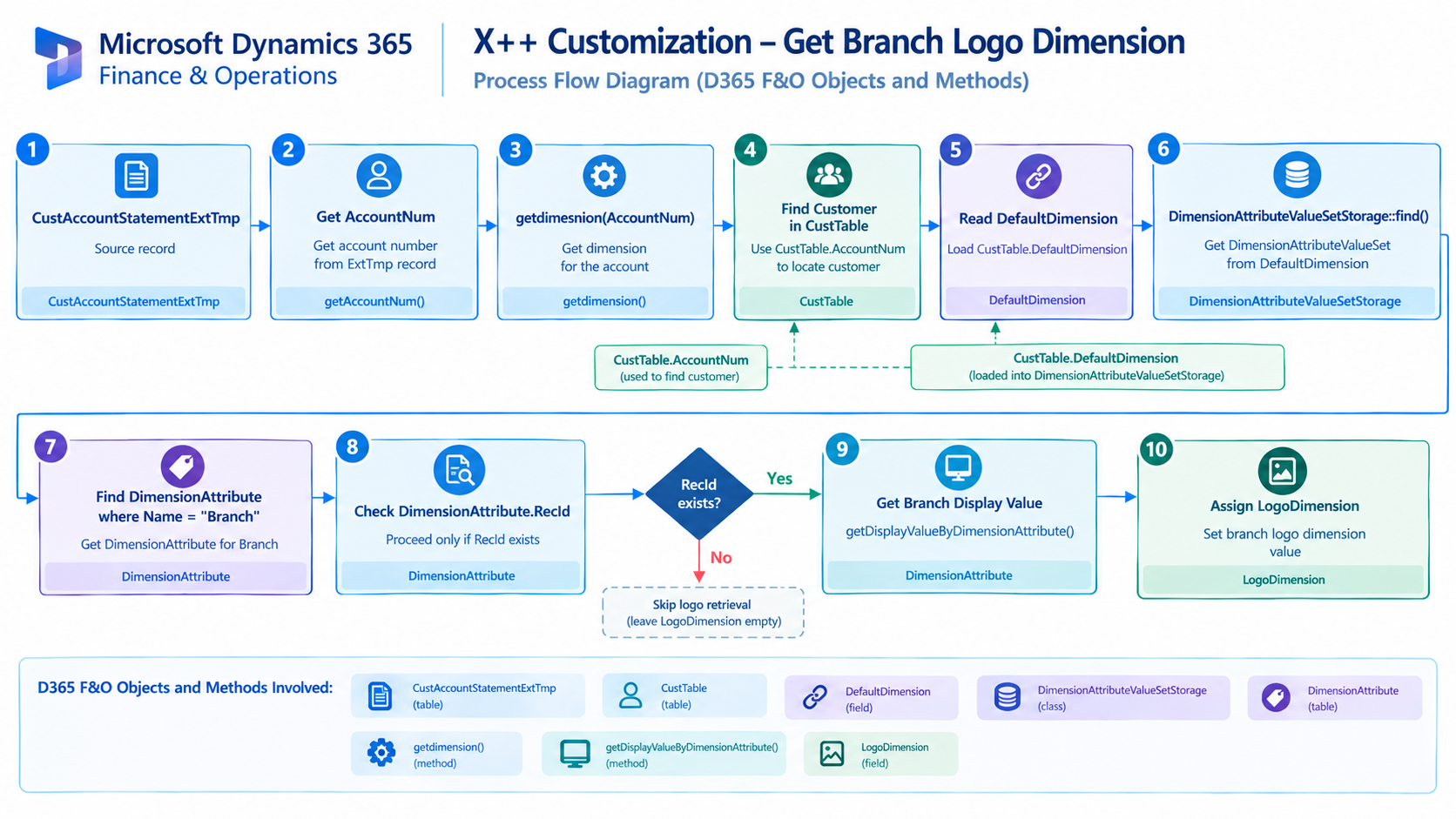
Figure: Flow of retrieving the Branch dimension from the customer account and assigning it to the Customer Account Statement temporary record.

Related Posts
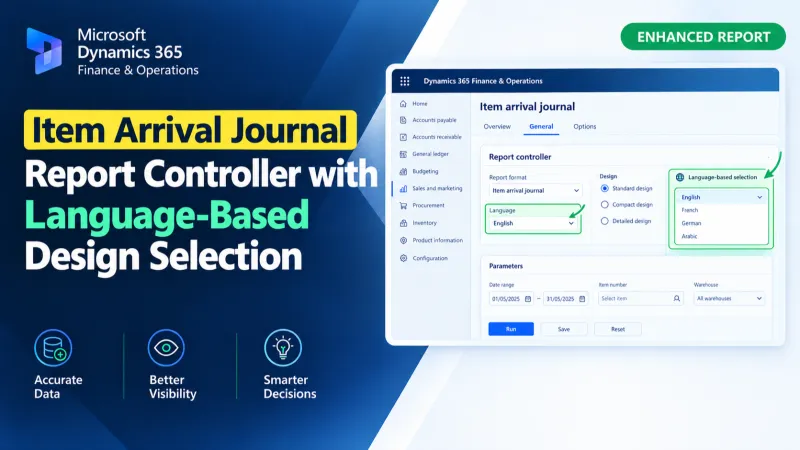
Item Arrival Journal Report Controller with Language-Based Design Selection
Use an X++ report controller in D365 F&O to dynamically select Arabic or English SSRS designs for the Item Arrival Journal Report.
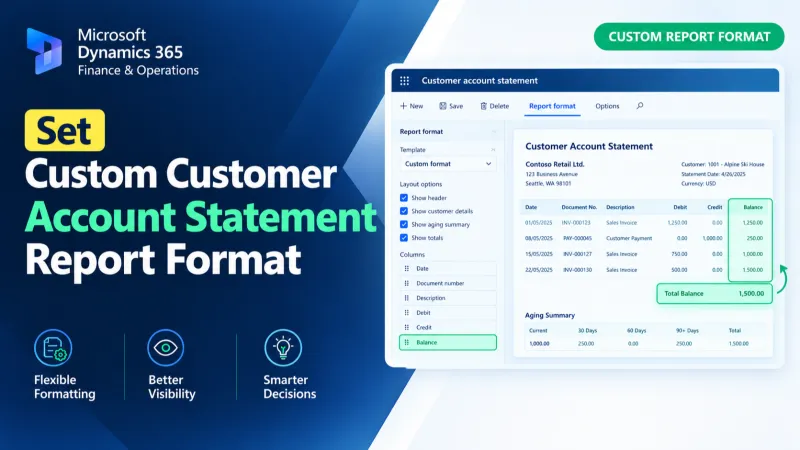
Set Custom Customer Account Statement Report Format
Set a custom SSRS report format for Customer Account Statements in D365 F&O using X++ and the PrintMgmtDocType delegate.
Get Brand Name from Sales Line Financial Dimensions
Retrieve brand names from D365 F&O sales lines using X++ financial dimensions and DimensionFinancialTag to resolve brand descriptions.