Get Brand Name from Sales Line Financial Dimensions
Retrieve brand names from D365 F&O sales lines using X++ financial dimensions and DimensionFinancialTag to resolve brand descriptions.
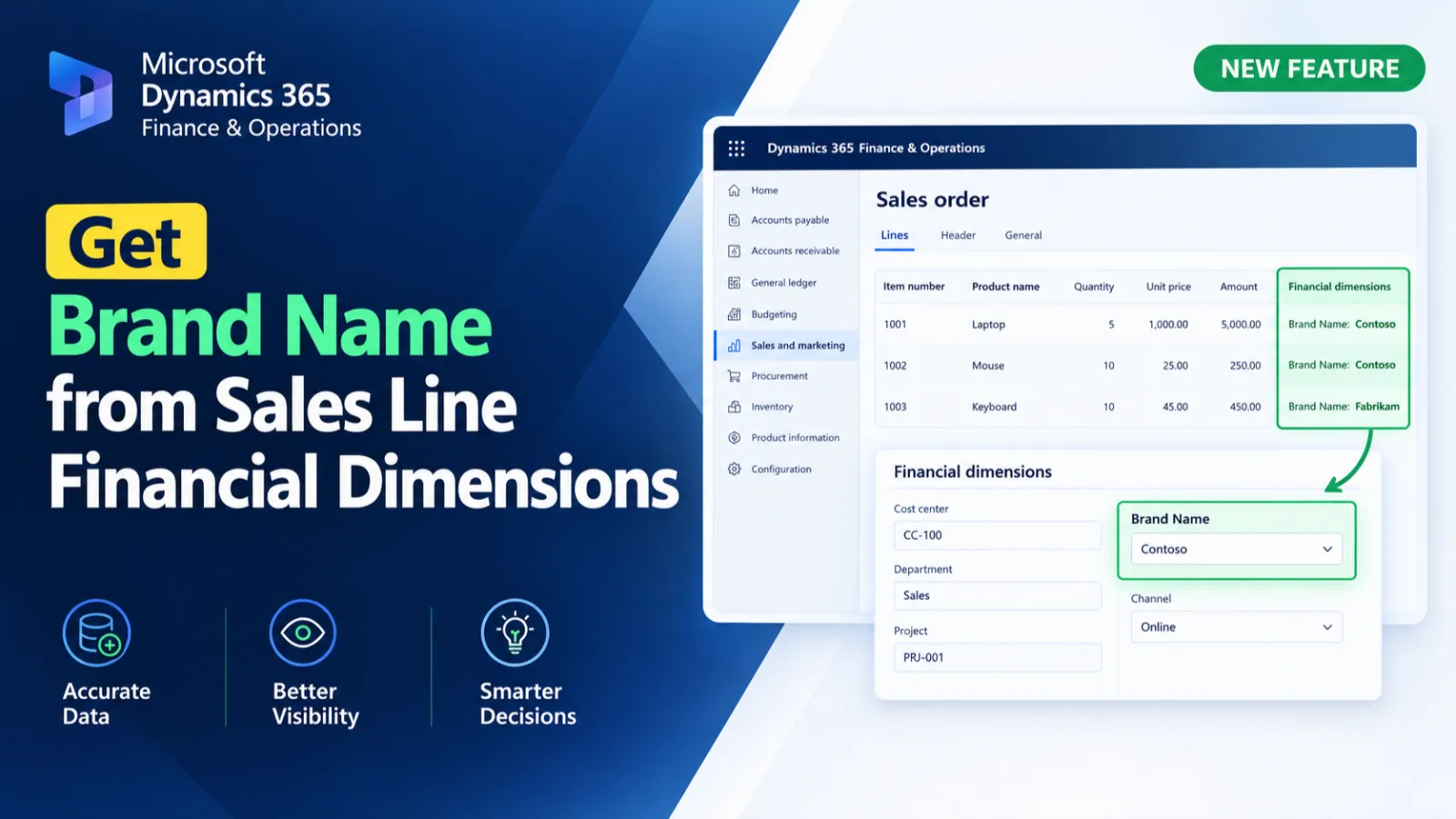
This X++ customization retrieves a brand name associated with a sales line through its default financial dimensions. The first method identifies the Brand dimension value for a specific sales order, customer account, and item, while the second method retrieves the corresponding brand description from DimensionFinancialTag.
X++ Code
public static str getBrandNameBySales(str _salesId, str _custAccount, str _item)
{
    SalesLine                        salesLine;
    DimensionAttributeValueSetItem   dimAttrValueSetItem;
    DimensionAttributeValue          dimAttrValue;
    DimensionAttribute               dimAttr;
    str                              brandName;

    select firstonly RecId,DimensionAttribute, DisplayValue from dimAttrValue
    join DimensionAttributeValue from dimAttrValueSetItem
        where dimAttrValueSetItem.DimensionAttributeValue == dimAttrValue.RecId
    join RecId, Name from dimAttr
        where dimAttr.RecId == dimAttrValue.DimensionAttribute
&& dimAttr.Name == 'Brand'
    join SalesId, CustAccount from salesLine
        where salesLine.SalesId == _salesId
&& salesLine.CustAccount == _custAccount
&& salesLine.ItemId == _item
&& dimAttrValueSetItem.DimensionAttributeValueSet == salesLine.DefaultDimension;
    {
        brandName = dimAttrValue.DisplayValue;
    }

    return brandName;
}

public static str getBrandName(str _value)
{
    DimensionFinancialTag               dimAttr;

    select firstonly dimAttr
        where dimAttr.Value == _value;

    return dimAttr.Description;
}
Process Flow
The getBrandNameBySales method identifies the sales line using Sales ID, customer account, and item ID.
It matches the sales line's default dimension with the Brand financial dimension and retrieves its display value.
The getBrandName method searches DimensionFinancialTag using the supplied value and returns its description.
Both methods return the resolved brand information as a string.
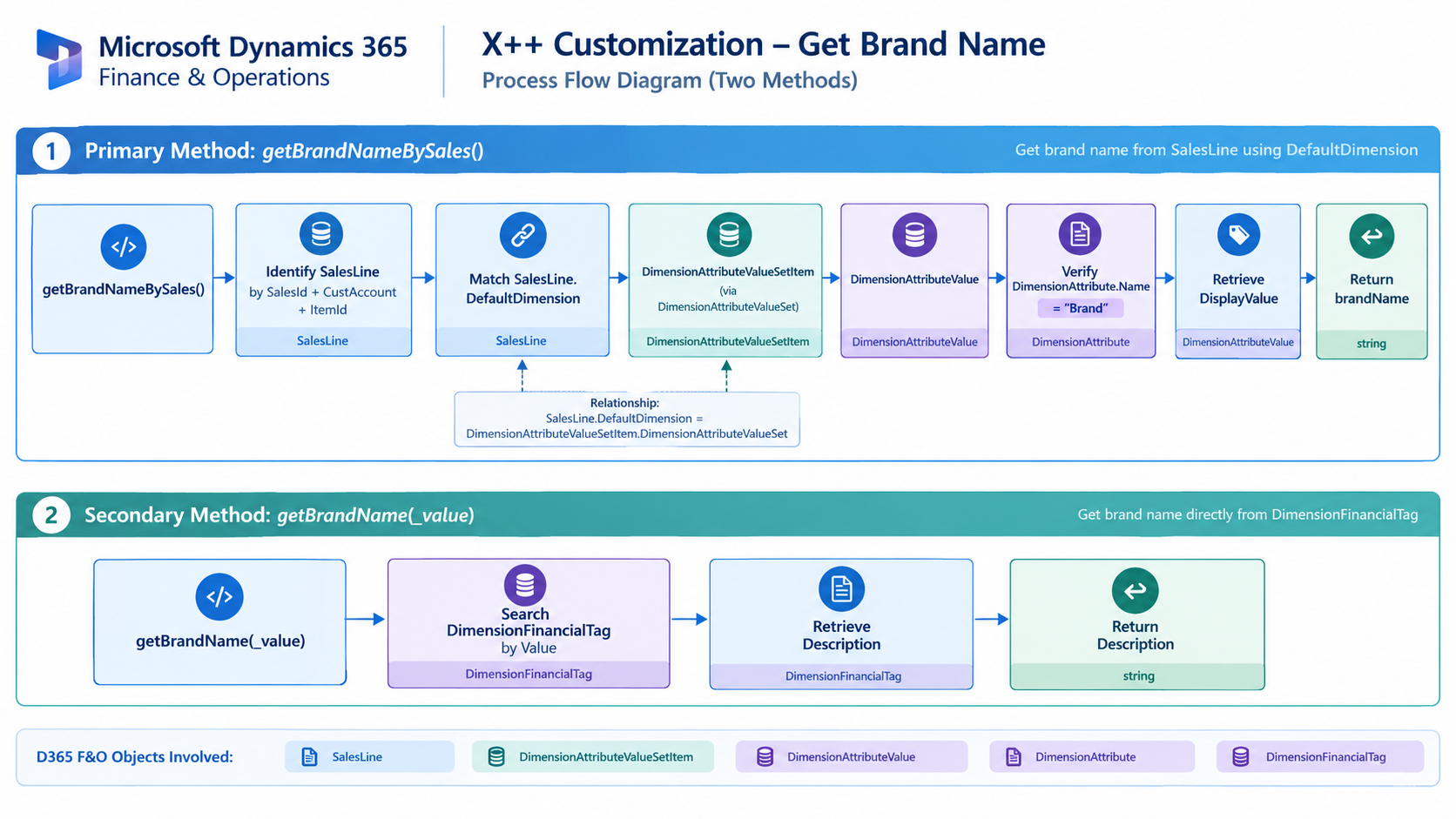
Figure: Flow of retrieving brand information from sales line financial dimensions.

Related Posts
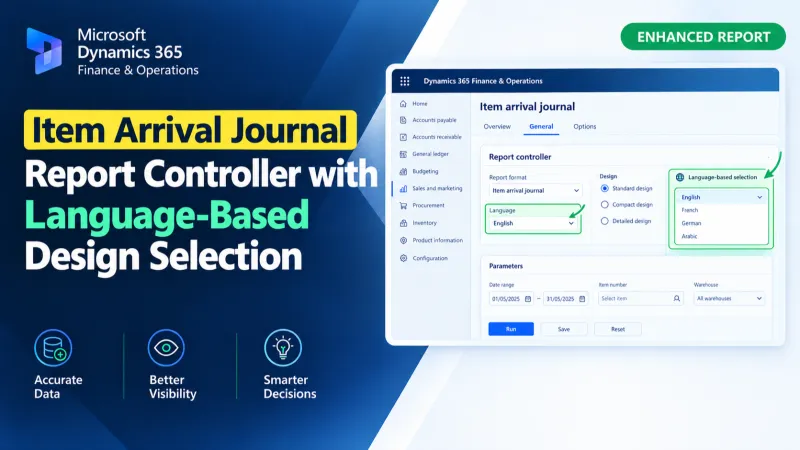
Item Arrival Journal Report Controller with Language-Based Design Selection
Use an X++ report controller in D365 F&O to dynamically select Arabic or English SSRS designs for the Item Arrival Journal Report.
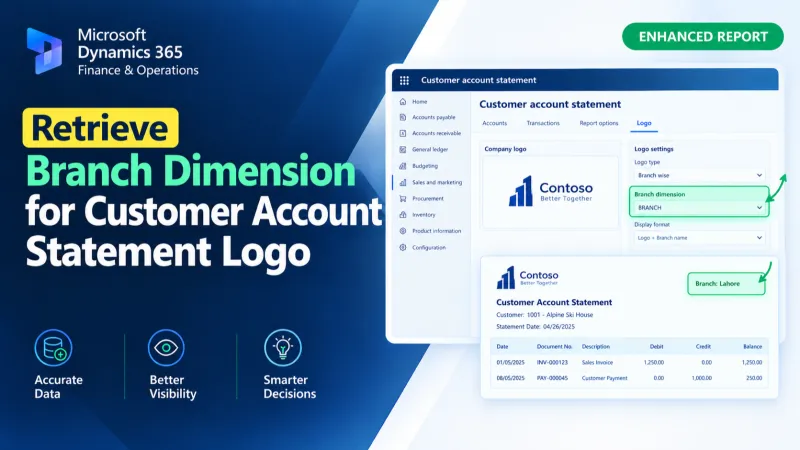
Retrieve Branch Dimension for Customer Account Statement Logo
Retrieve the Branch financial dimension for a customer account and assign its display value to the Customer Account Statement temporary report data using X++.
Set Custom Customer Account Statement Report Format
Set a custom SSRS report format for Customer Account Statements in D365 F&O using X++ and the PrintMgmtDocType delegate.