Add Item IDs and Total Quantity to Customer Aging Report
Extend the D365 F&O Customer Aging Report with X++ to display invoice item IDs and total quantities in the temporary report data.
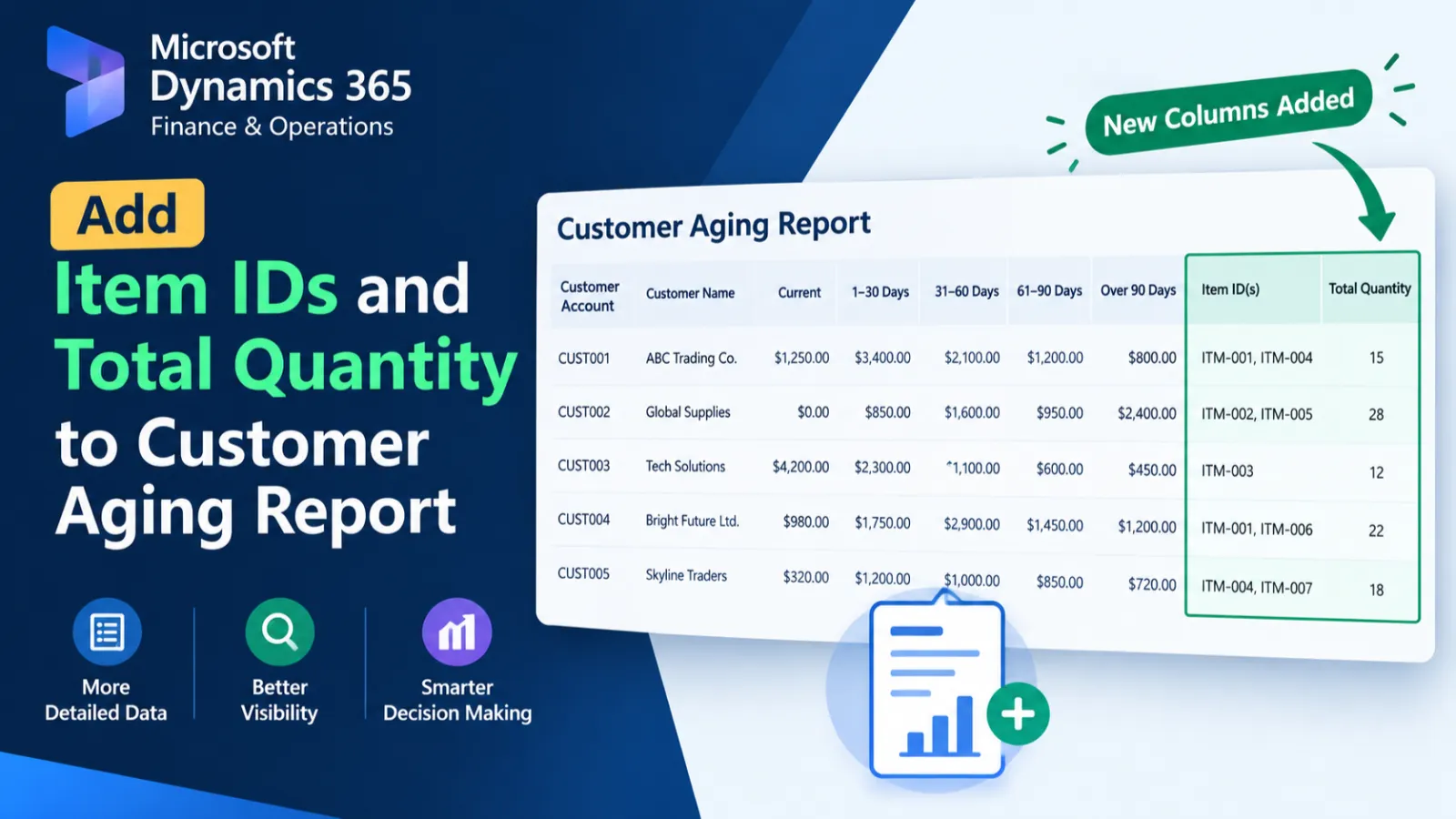
This customization extends the Customer Aging Report processing by enriching its temporary report data with item IDs and total invoice quantity. A post-handler runs after CustAgingReportDP.processReport(), retrieves invoice transactions, concatenates item IDs, calculates total quantity, and updates the temporary report records. A custom controller class is also provided to execute the SSRS report design.
X++ Code
class ED_CustAgingReportDPHandlers
{


    /// <summary>
    ///
    /// </summary>
    /// <param name="args"></param>
    [PostHandlerFor(classStr(CustAgingReportDP), methodStr(CustAgingReportDP, processReport))]
    public static void CustAgingReportDP_Post_processReport(XppPrePostArgs args)
    {

        CustAgingReportDP dpInstance = args.getThis() as CustAgingReportDP;

        CustAgingReportTmp CustAgingReportTmp = dpInstance.getCustAgingReportTmp();

        CustInvoiceTrans                _CustInvoiceTrans,_CustInvoiceTransQty;
        container con;
        ttsbegin;
                while select forupdate   CustAgingReportTmp
                {
                    while select _CustInvoiceTrans where _CustInvoiceTrans.InvoiceId ==CustAgingReportTmp.InvoiceId
                    {
                        con+=_CustInvoiceTrans.ItemId;
                    }
            select sum(Qty) from  _CustInvoiceTransQty where _CustInvoiceTransQty.InvoiceId == CustAgingReportTmp.InvoiceId;
            CustAgingReportTmp.is_qty = _CustInvoiceTransQty.Qty;
                    CustAgingReportTmp.is_ItemId =con2Str(con);
                    CustAgingReportTmp.update();
                    con = conNull();
                }
        ttscommit;

    }

}

class ED_CustAgingReportControllerExt extends CustAgingReportController
{
    public static ED_CustAgingReportControllerExt  construct()
    {
        return new ED_CustAgingReportControllerExt ();
    }

    public static void main(Args _args)
    {
        ED_CustAgingReportControllerExt controller = new ED_CustAgingReportControllerExt();
        controller.parmReportName(ssrsReportStr(CustAgingReport, DesignWithNoDetailAndNoTransactionCur));
        controller.parmArgs(_args);
        controller.startOperation();
    }

}
Process Flow
The CustAgingReportDP.processReport post-handler retrieves the temporary Customer Aging Report records after report processing.
For each invoice, related CustInvoiceTrans records are read to collect item IDs and calculate the total quantity.
The collected values are assigned to CustAgingReportTmp, which is then updated within the transaction.
The custom controller initializes the CustAgingReport SSRS design and starts the report operation.
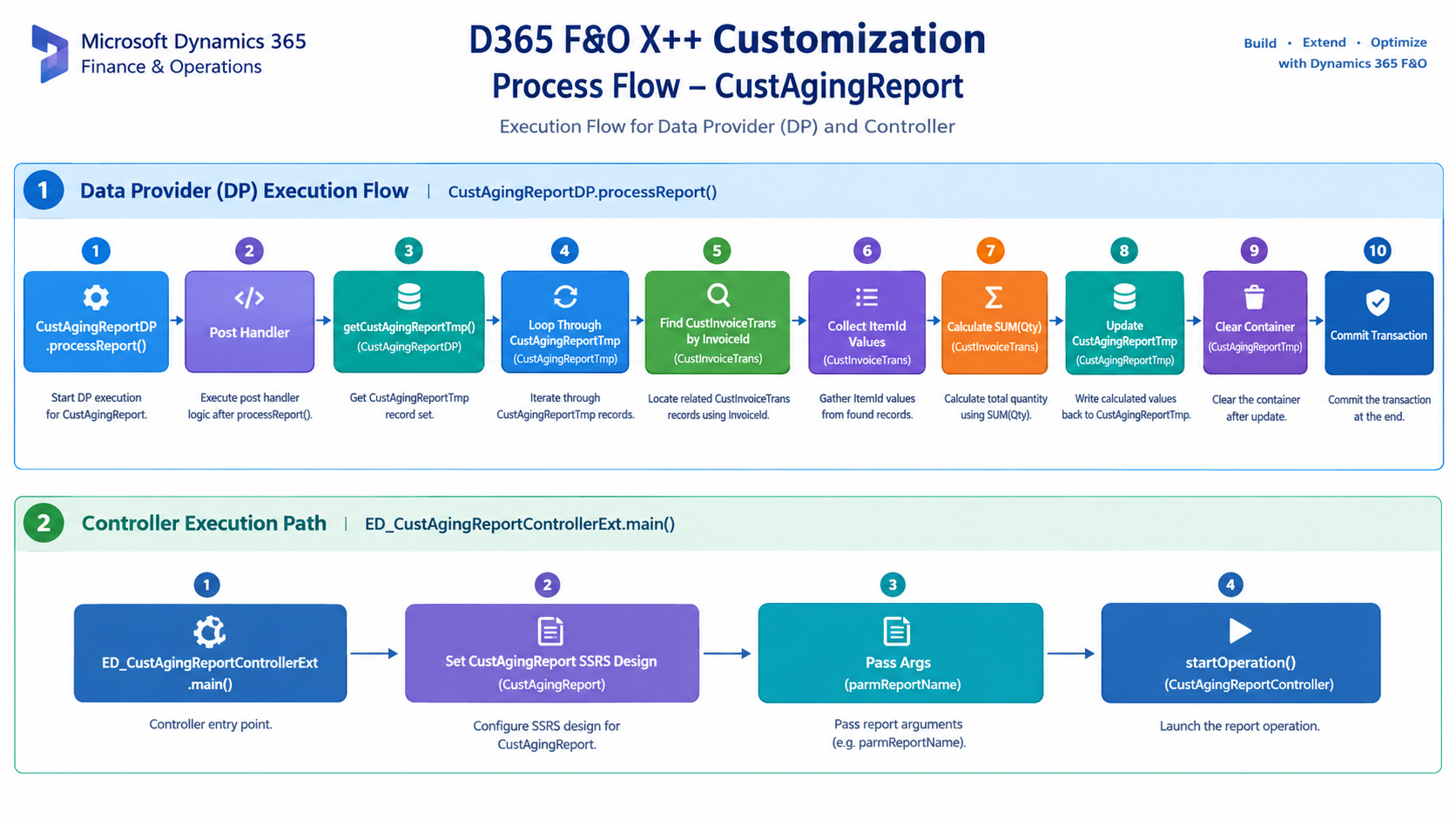
Figure: Flow of enriching Customer Aging Report temporary data with invoice item IDs and total quantity.

Related Posts
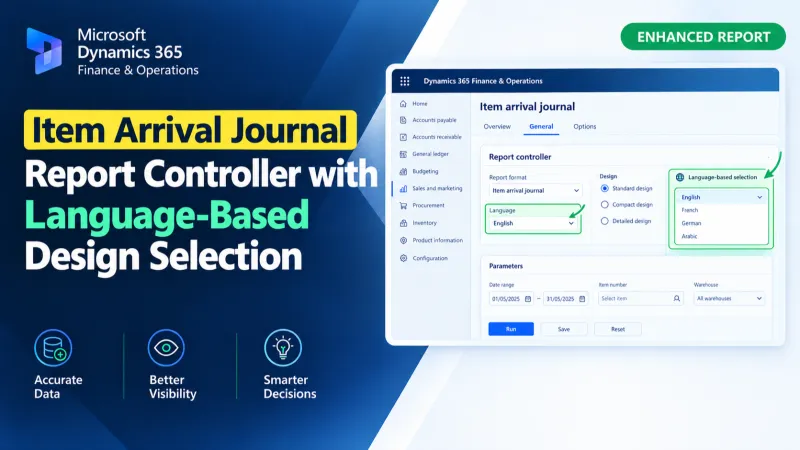
Item Arrival Journal Report Controller with Language-Based Design Selection
Use an X++ report controller in D365 F&O to dynamically select Arabic or English SSRS designs for the Item Arrival Journal Report.
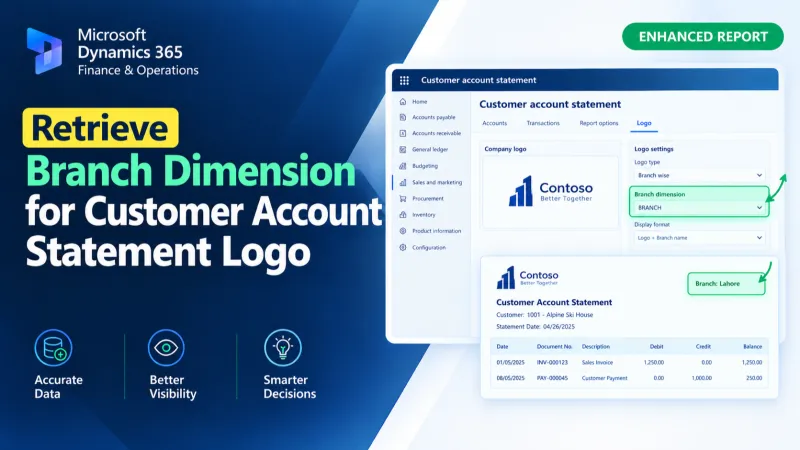
Retrieve Branch Dimension for Customer Account Statement Logo
Retrieve the Branch financial dimension for a customer account and assign its display value to the Customer Account Statement temporary report data using X++.
Set Custom Customer Account Statement Report Format
Set a custom SSRS report format for Customer Account Statements in D365 F&O using X++ and the PrintMgmtDocType delegate.