Set Custom Customer Account Statement Report Format
Set a custom SSRS report format for Customer Account Statements in D365 F&O using X++ and the PrintMgmtDocType delegate.
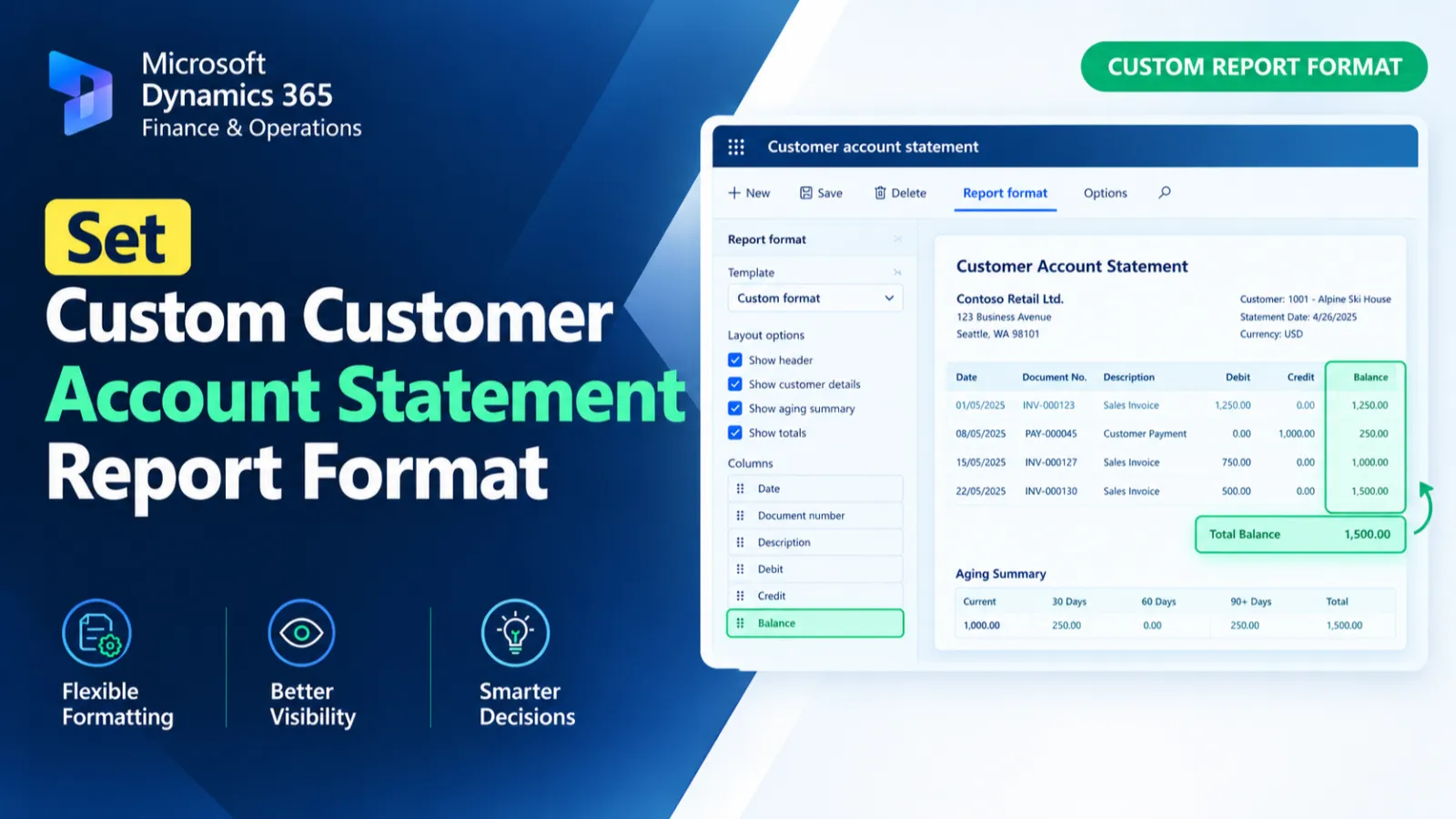
This customization subscribes to the PrintMgmtDocType report-format delegate to provide a custom SSRS report for customer account statements. When the document type is CustAccountStatement, the handler assigns CustAccountStatementExtCopy with the Report_CN design as the default report format.
X++ Code
{
    [SubscribesTo(classstr(PrintMgmtDocType), delegatestr(PrintMgmtDocType, getDefaultReportFormatDelegate))]
    public static void getDefaultReportFormatDelegate(PrintMgmtDocumentType _docType, EventHandlerResult _result)
    {
        switch (_docType)
        {
            case PrintMgmtDocumentType::CustAccountStatement: _result.result(ssrsReportStr(CustAccountStatementExtCopy, Report_CN));
            break;
        }
    }
     /// <summary>
    /// Event handler for the Inserting event on the CustAccountStatementExtTmp table.
    /// Sets the LogoDimension field by retrieving the dimension based on the AccountNum
    /// using the HAW_CustomerAccountstatement_EventHandler class.
    /// </summary>
    /// <param name=" ">The record being inserted CustAccountStatementExtTmp).</param>
    /// <param name="e">Event arguments (not used in this method).</param>
Process Flow
The getDefaultReportFormatDelegate subscribes to the PrintMgmtDocType default report-format delegate.
The method checks the supplied document type through a switch statement.
When the document type is CustAccountStatement, the CustAccountStatementExtCopy report with Report_CN design is assigned as the result.
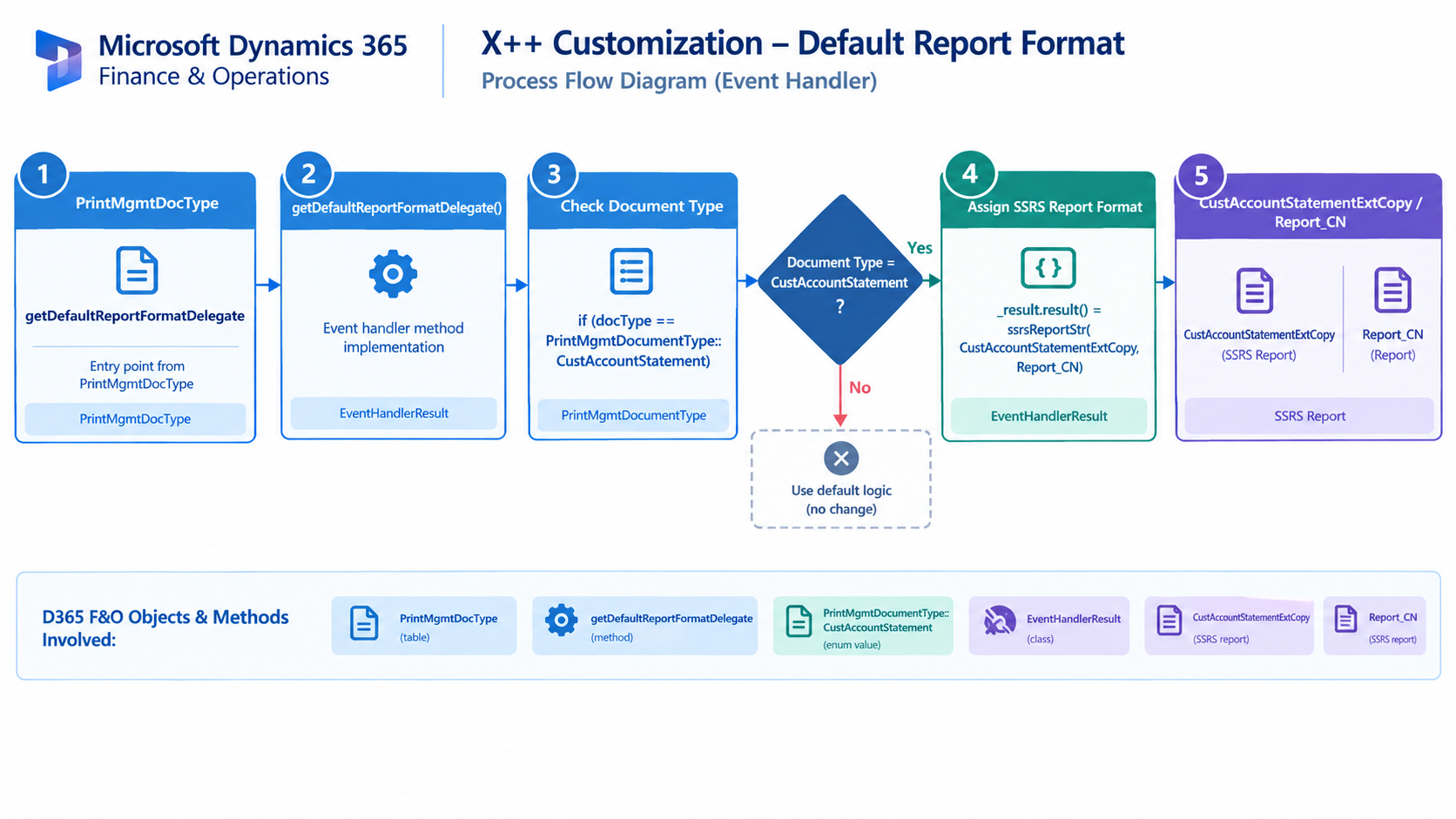
Figure: Flow of assigning a custom SSRS report format for Customer Account Statements.

Related Posts
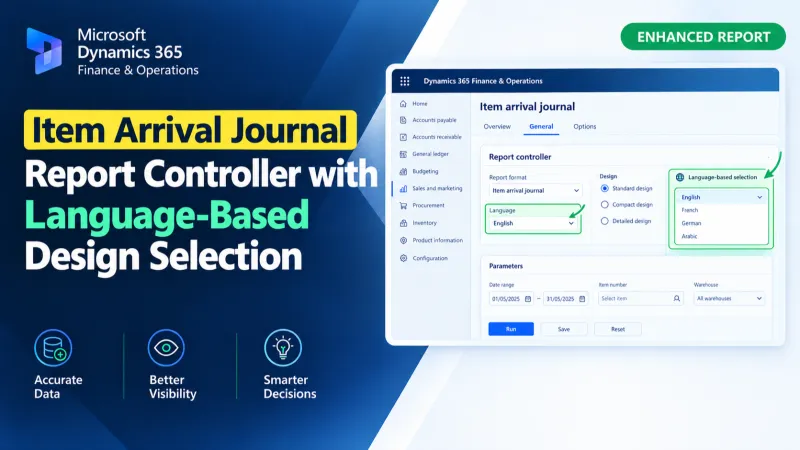
Item Arrival Journal Report Controller with Language-Based Design Selection
Use an X++ report controller in D365 F&O to dynamically select Arabic or English SSRS designs for the Item Arrival Journal Report.
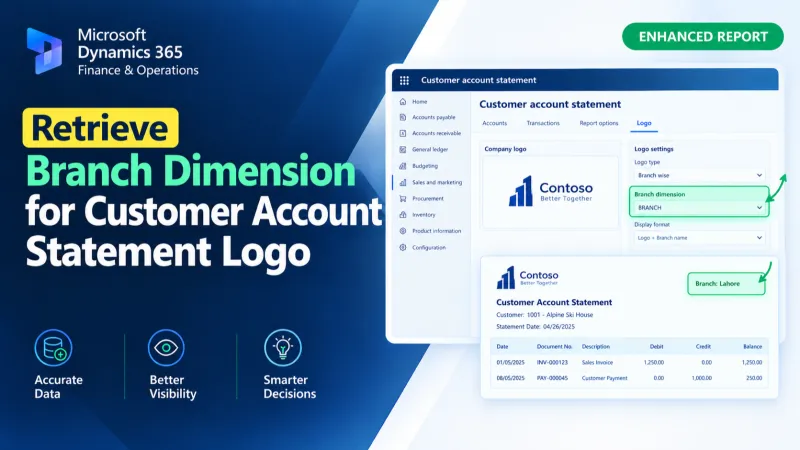
Retrieve Branch Dimension for Customer Account Statement Logo
Retrieve the Branch financial dimension for a customer account and assign its display value to the Customer Account Statement temporary report data using X++.
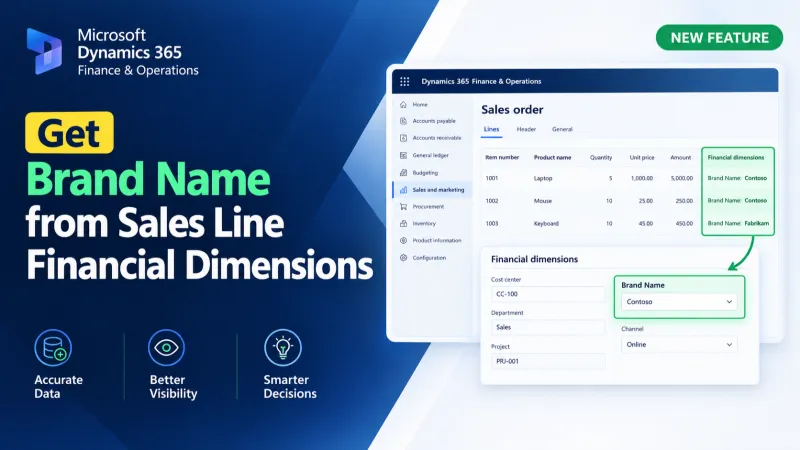
Get Brand Name from Sales Line Financial Dimensions
Retrieve brand names from D365 F&O sales lines using X++ financial dimensions and DimensionFinancialTag to resolve brand descriptions.