Get Exchange Rate for Currency Conversion
Retrieve exchange rates in D365 F&O using X++ for currency conversion and exchange rate-based financial calculations.
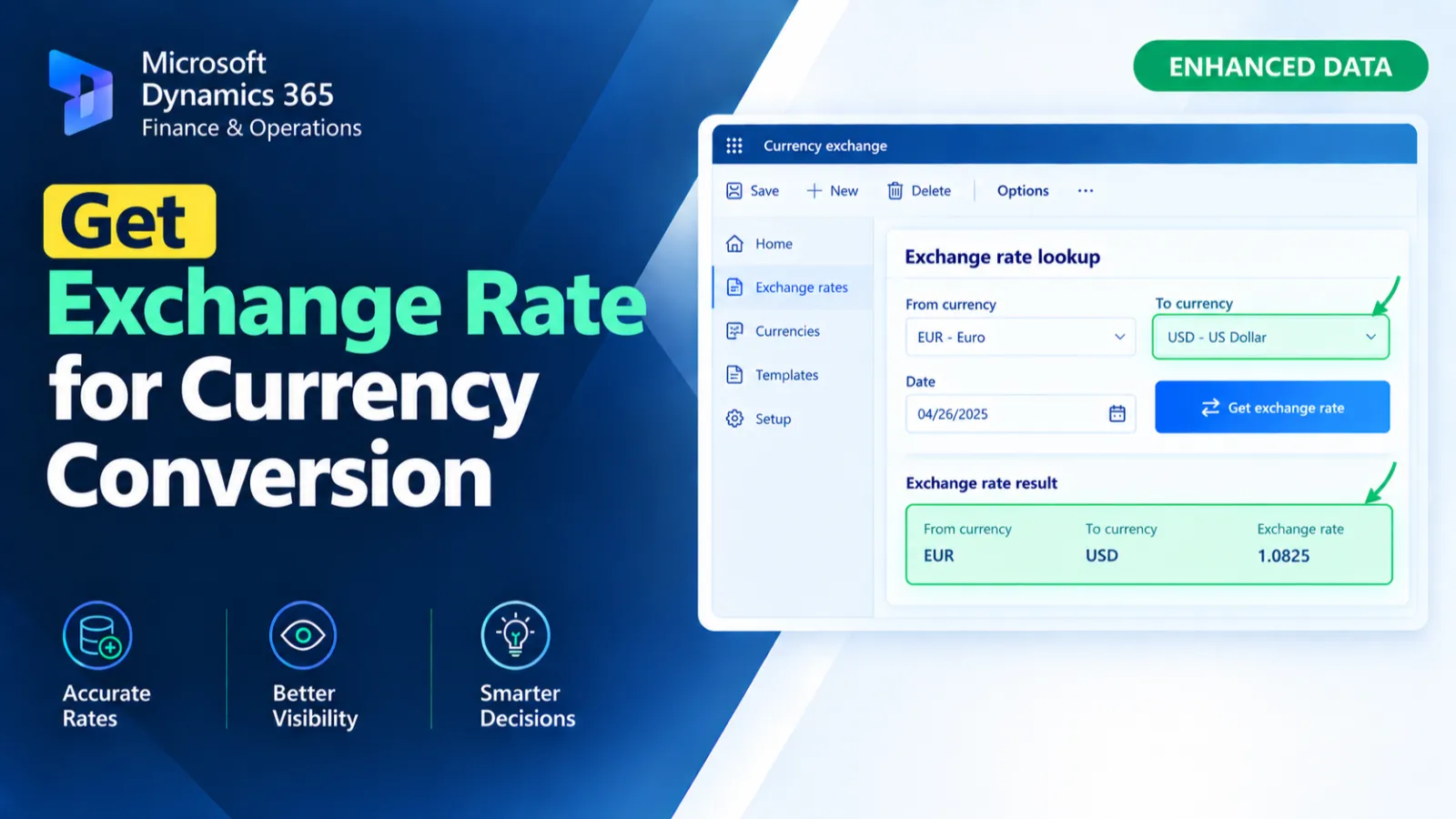
This method retrieves the exchange rate for the current record’s currency against USD based on the invoice date. It identifies the applicable exchange rate type from the current ledger and finds the matching currency pair. If a valid currency pair exists, the exchange rate for the specified date is returned after conversion from percentage format; otherwise, it returns 0.
X++ Code
display Real exchangeRateFormatted()
    {
        ExchangeRate                exchangeRate;
        ExchangeRateCurrencyPair    exchangeRateCurrencyPair;
        CurrencyCode                fromCurrency  = this.CurrencyCode;
        CurrencyCode                toCurrency    = "USD"; //Ledger::accountingCurrency();
        TransDate                   transDate     = this.InvoiceDate;
        Real                        exchRate;

        select firstonly exchangeRateCurrencyPair
            where exchangeRateCurrencyPair.ExchangeRateType == Ledger::find(Ledger::current()).DefaultExchangeRateType
&& exchangeRateCurrencyPair.FromCurrencyCode == fromCurrency
&& exchangeRateCurrencyPair.ToCurrencyCode   == toCurrency;

        if (exchangeRateCurrencyPair.RecId)
        {
            exchRate = exchangeRate::findByDate(exchangeRateCurrencyPair.RecId, transDate).ExchangeRate;
            return exchRate/100;
        }

        return 0;
    }
Process Flow
The display method gets the source currency from CurrencyCode, sets USD as the target currency, and uses InvoiceDate for the exchange-rate lookup.
It identifies the current ledger's default exchange rate type and searches for the matching currency pair.
If the currency pair exists, the exchange rate for the invoice date is retrieved and divided by 100.
If no matching currency pair is found, the method returns 0.
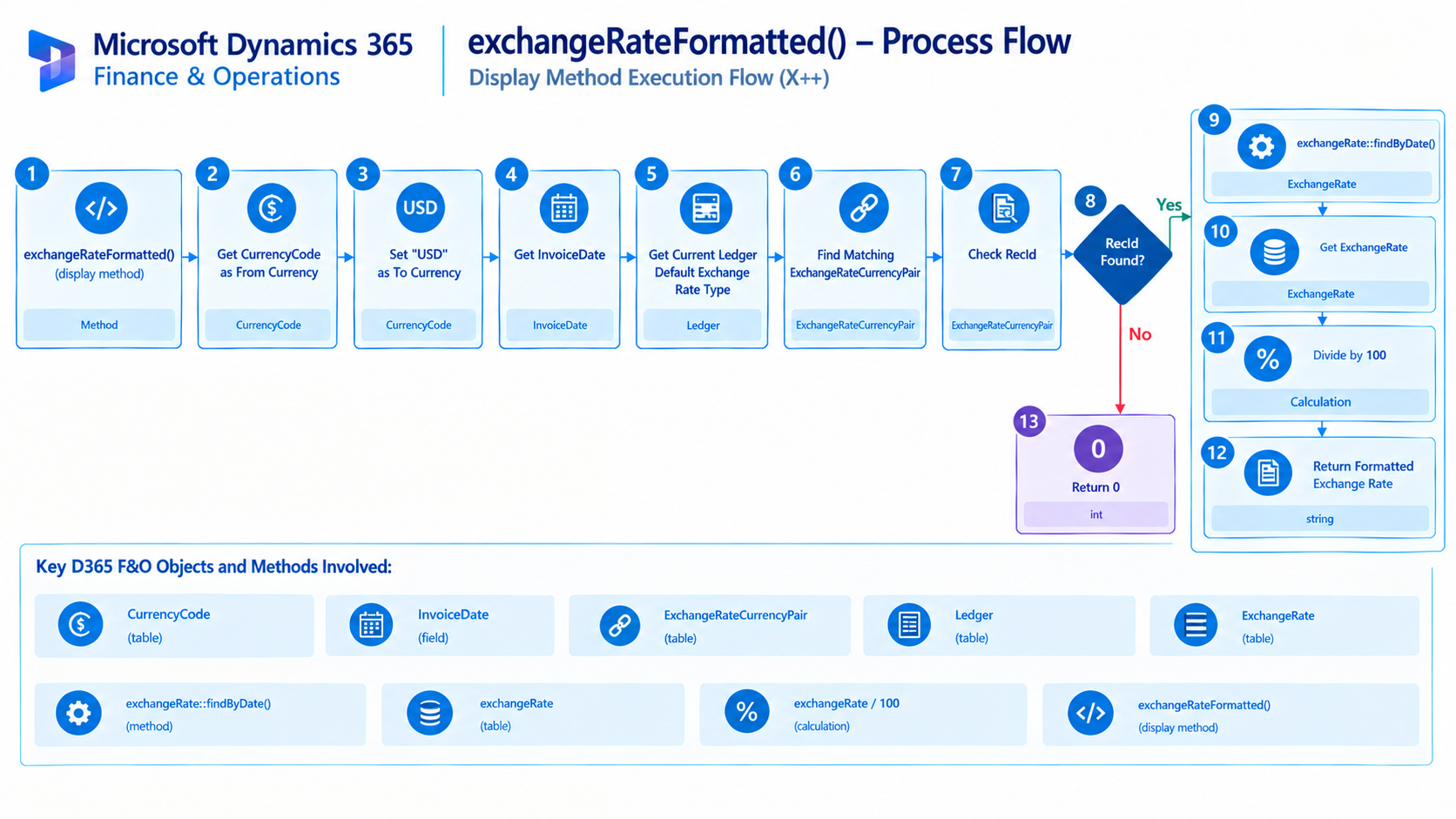
Figure: Flow of retrieving and formatting the invoice currency exchange rate against USD.

Related Posts
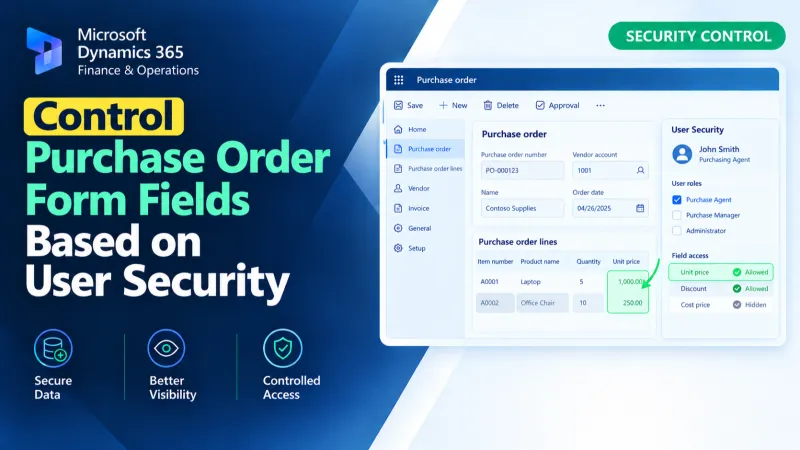
Control Purchase Order Form Fields Based on User Security
Control Purchase Order form fields in D365 F&O using X++ based on user security and access requirements.
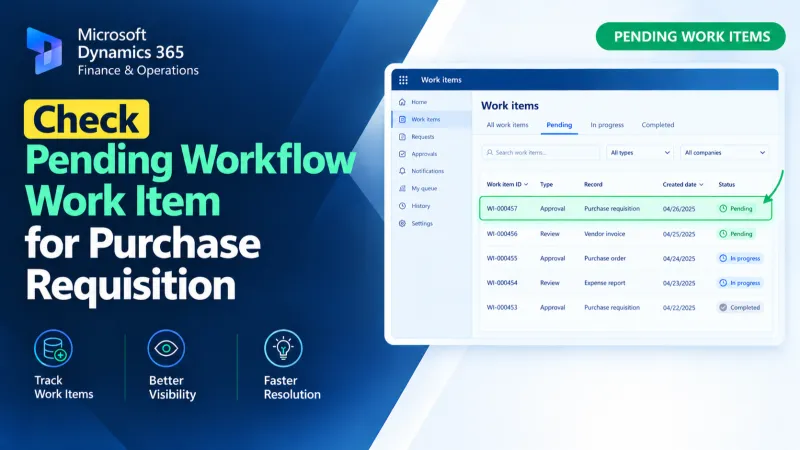
Check Pending Workflow Work Item for Purchase Requisition
Check pending Purchase Requisition workflow work items in D365 F&O using X++ to identify approval status and support workflow processing.
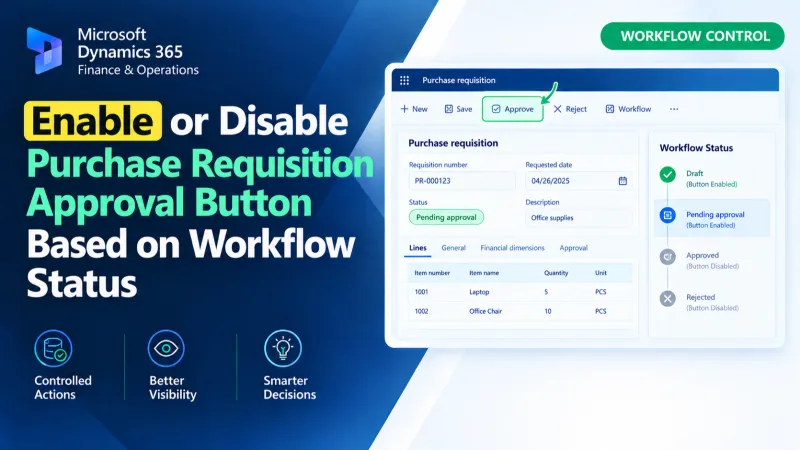
Enable or Disable Purchase Requisition Approval Button Based on Workflow Status
Control the Purchase Requisition Approval button in D365 F&O using X++ and workflow status to manage its enabled or disabled state.