Control Purchase Order Form Fields Based on User Security
Control Purchase Order form fields in D365 F&O using X++ based on user security and access requirements.
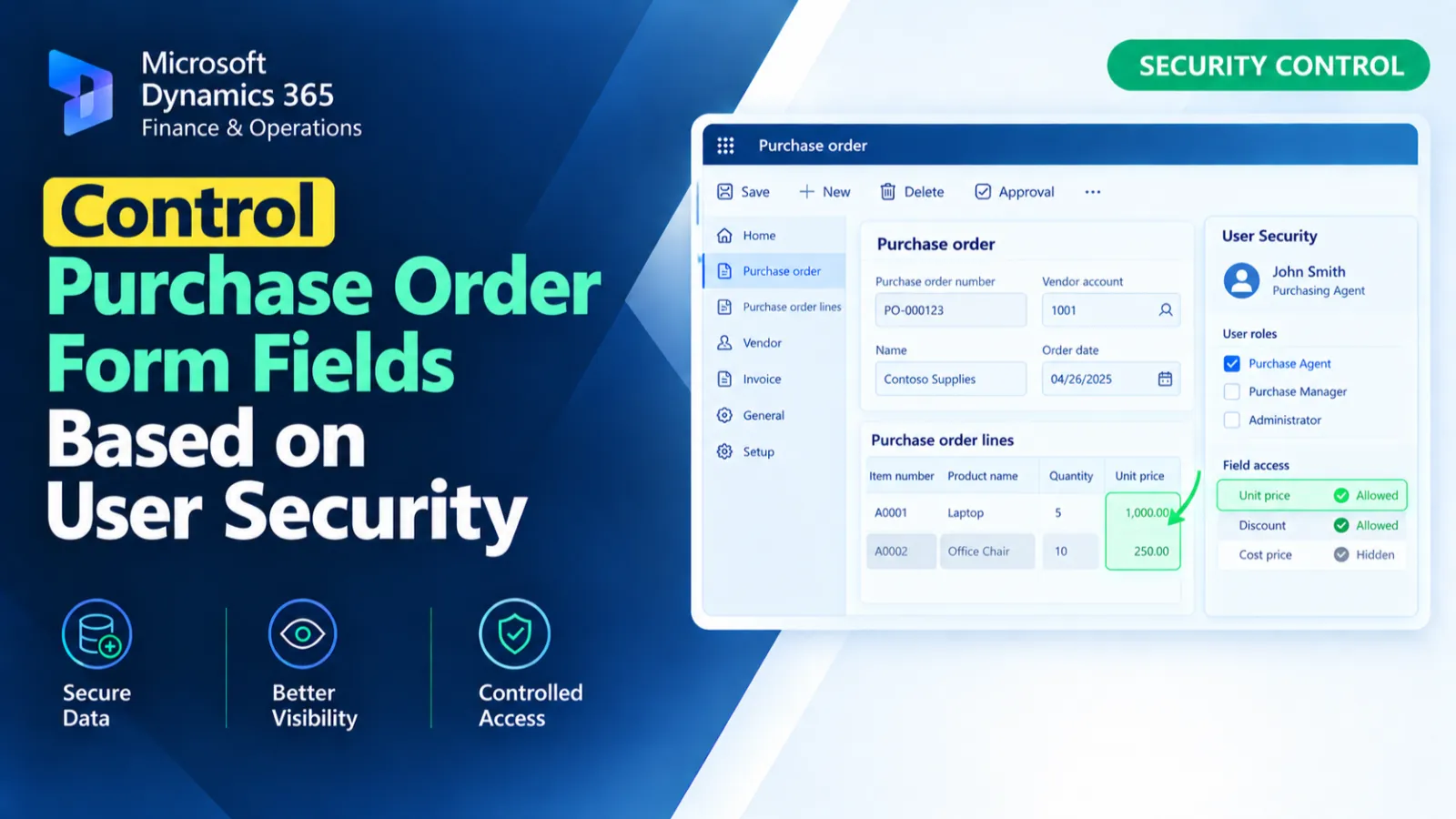
This form extension controls the visibility of selected purchase order fields based on the current user's record in PurchTableUserSecurityTable. During form initialization, it checks the current user and retrieves the related security record. The extension then shows or hides PurchLine_CurrencyCode, ExchangeRate, LandingCost, and COGS accordingly.
X++ Code
[ExtensionOf(formdatasourcestr(PurchTable, PurchLine))]
final class PurchTableForm_Extension
{
    public void init()
    {
        next init();
        PurchTableUserSecurityTable UserSecurity;

        select firstonly RecId from UserSecurity
            where UserSecurity.UserId == curUserId();

        if (PurchTableUserSecurityTable::findRecId(UserSecurity.RecId).UserId == curUserId())
        {
            FormRun formRun = this.formRun();
            if (formRun)
            {
                int ctrlId;
                FormControl formCtrl;

                container controlNames = ["PurchLine_CurrencyCode", "ExchangeRate", "LandingCost", "COGS"];

                for (int i = 1; i <= conLen(controlNames); i++)
                {
                    ctrlId   = formRun.controlId(conPeek(controlNames, i));
                    formCtrl = formRun.control(ctrlId);

                    if (formCtrl)
                    {
                        formCtrl.visible(true);
                    }
                }
            }
        }
        else
        {
            FormRun formRun = this.formRun();
            if (formRun)
            {
                int ctrlId;
                FormControl formCtrl;

                container controlNames = ["PurchLine_CurrencyCode", "ExchangeRate", "LandingCost", "COGS"];

                for (int i = 1; i <= conLen(controlNames); i++)
                {
                    ctrlId   = formRun.controlId(conPeek(controlNames, i));
                    formCtrl = formRun.control(ctrlId);

                    if (formCtrl)
                    {
                        formCtrl.visible(false);
                    }
                }
            }
        }
    }

}
Process Flow
The PurchTable/PurchLine form data source extension runs its init() method and checks PurchTableUserSecurityTable for the current user.
If the retrieved security record belongs to the current user, the specified form controls are made visible.
Otherwise, the same controls are located and hidden.
The visibility logic is applied to PurchLine_CurrencyCode, ExchangeRate, LandingCost, and COGS.
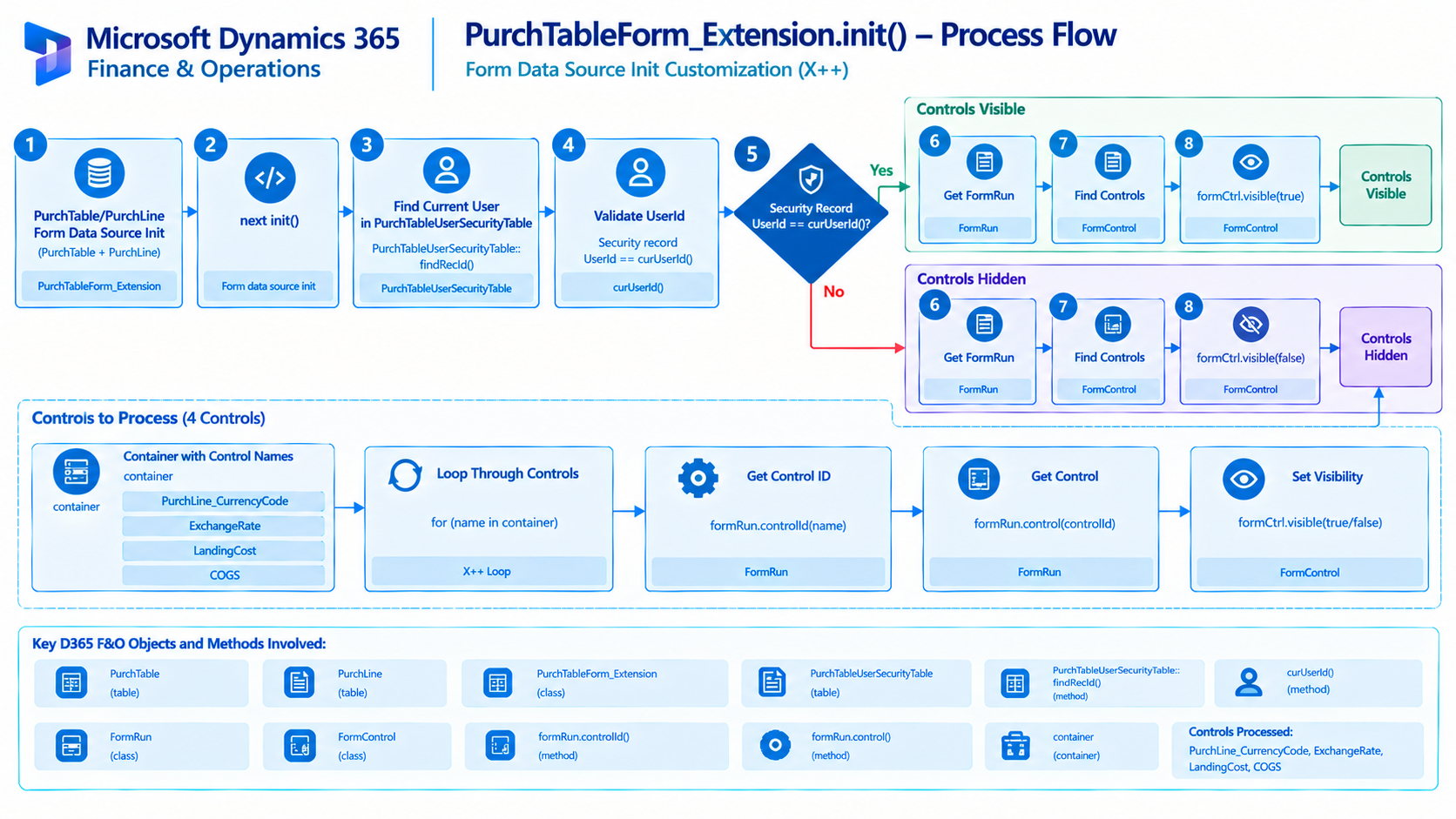
Figure: Flow of controlling purchase order field visibility based on the current user's security record.

Related Posts
Get Exchange Rate for Currency Conversion
Retrieve exchange rates in D365 F&O using X++ for currency conversion and exchange rate-based financial calculations.
Check Pending Workflow Work Item for Purchase Requisition
Check pending Purchase Requisition workflow work items in D365 F&O using X++ to identify approval status and support workflow processing.
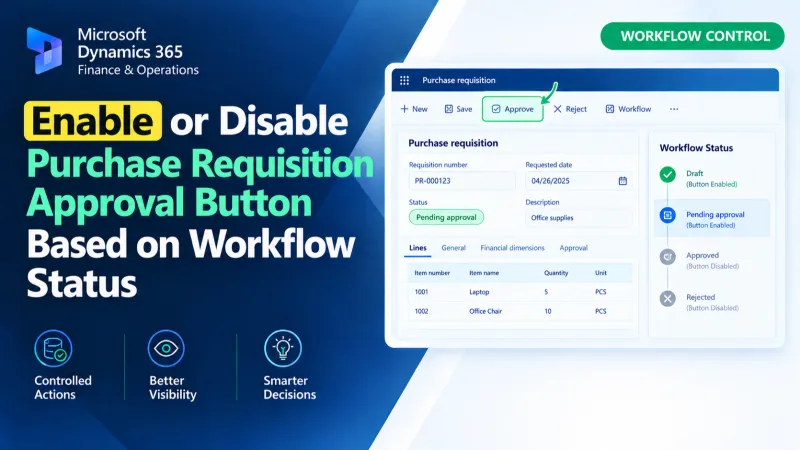
Enable or Disable Purchase Requisition Approval Button Based on Workflow Status
Control the Purchase Requisition Approval button in D365 F&O using X++ and workflow status to manage its enabled or disabled state.