Get Last Worked Date for an Employee
Retrieve an employee’s last worked date in D365 F&O using X++ and related payroll and employment records.
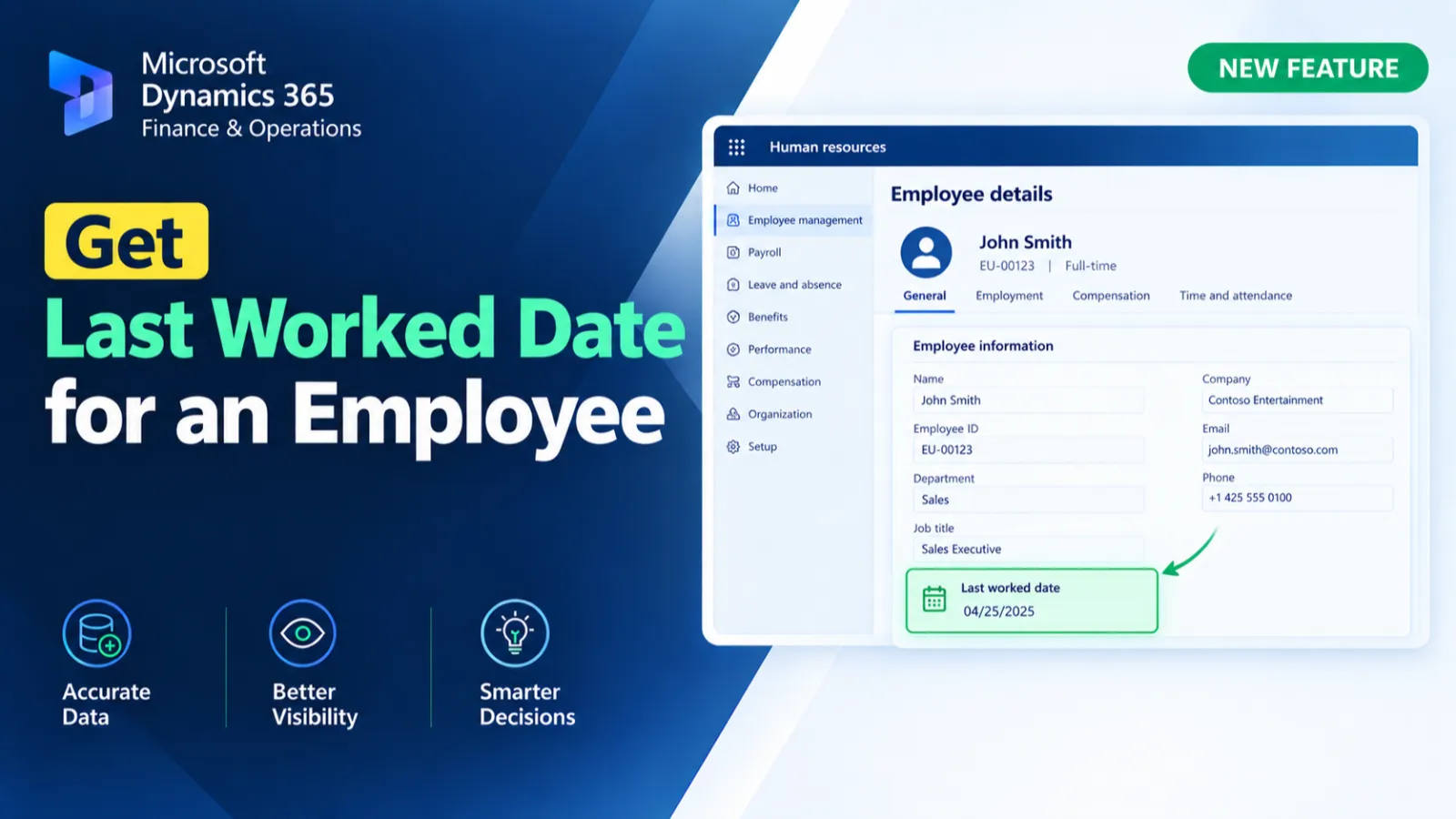
This method retrieves the last worked date for an employee using their personnel number. It identifies the employee, related payroll pay statement, pay period end date, and employment records before retrieving the latest LastDateWorked from HcmEmploymentDetail. The resulting date is converted and returned as a ValidToDate.
X++ Code
public static ValidToDate GetLastDateEmployee(HcmPersonnelNumberId _personalNum)
{
     HcmWorker                   hcmWorkers;
     HcmEmployment               hcmEmployments;
     PayrollPayStatement         payrollPayStatement;
     HcmEmploymentDetail         hcmEmploymentDetail;
     HcmPositionWorkerAssignment hcmPositionWorkerAssignment;
     date                        lastDateEmployee, LastDate;
     lastDateEmployee          = dateNull(); // Default to null date

     select hcmworkers where hcmworkers.personnelnumber == _personalNum;
     select payrollPayStatement where payrollPayStatement.Worker == hcmworkers.RecId;

     LastDate = PayrollPayPeriod::find(payrollPayStatement.PayPeriod).PeriodEndDate;

     select ValidTimeState(LastDate) hcmPositionWorkerAssignment
             order by ValidTo desc
             where hcmPositionWorkerAssignment.Worker == hcmworkers.RecId;

     select ValidTimeState(LastDate) hcmEmployments order by hcmEmployments.ValidTo
             where hcmEmployments.Worker   ==  hcmWorkers.RecId;

     // Check if the employee is inactive
     //added rejina
     //  if(hcmPositionWorkerAssignment.status() != HcmPositionAssignmentStatus::Active)
     //  {
     select hcmEmploymentDetail
             order by hcmEmploymentDetail.LastDateWorked desc
             where hcmEmploymentDetail.Employment == hcmEmployments.RecId;

     lastDateEmployee = DateTimeUtil::date(hcmEmploymentDetail.LastDateWorked);
     //  }
     return lastDateEmployee;
}
Process Flow
The method receives an employee personnel number and retrieves the corresponding HcmWorker and payroll pay statement.
It determines the relevant payroll period end date and retrieves position assignment and employment records using valid-time state queries.
The latest LastDateWorked is retrieved from HcmEmploymentDetail and converted to a date.
The resulting last worked date is returned by the method.
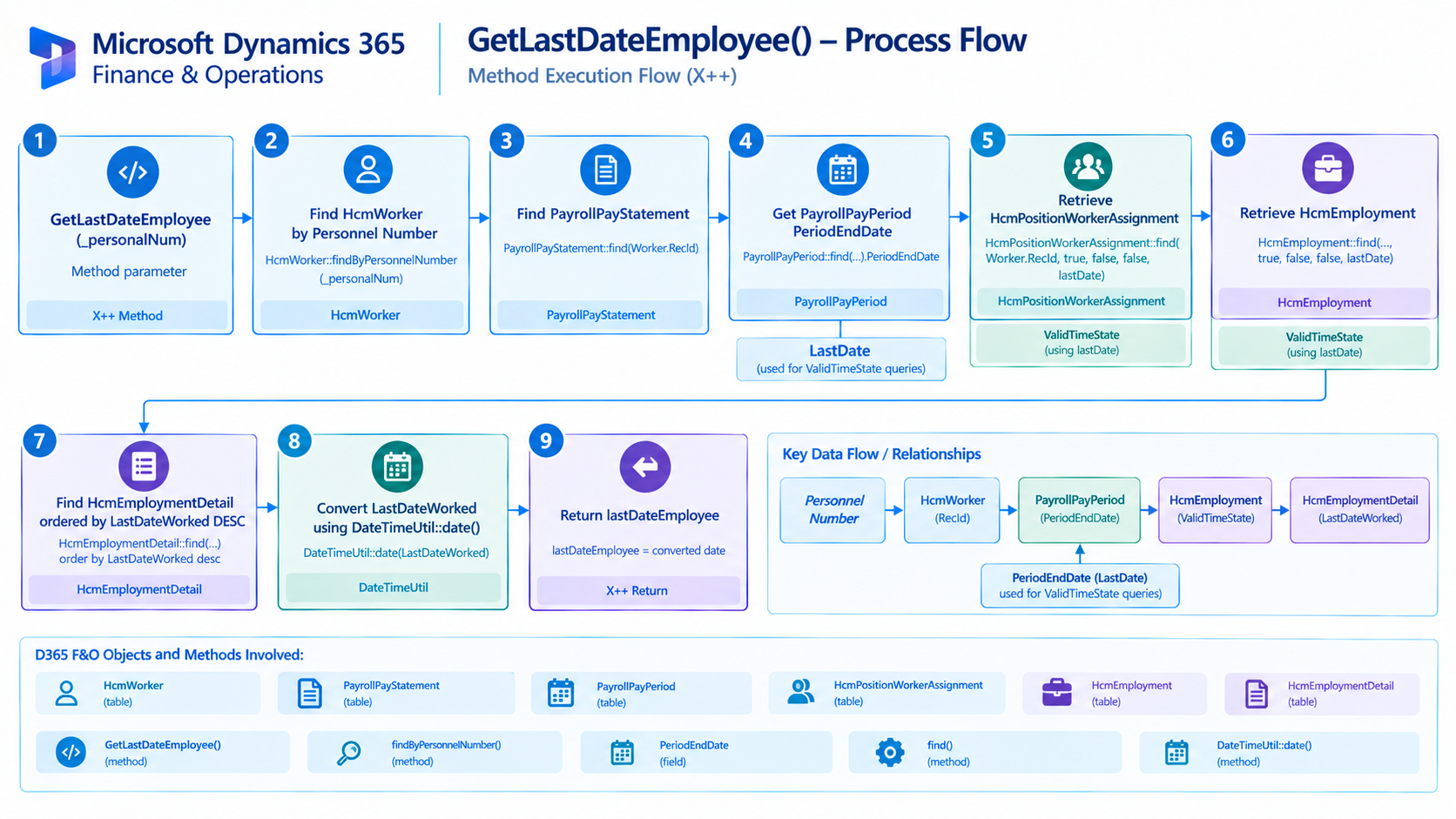
Figure: Flow of retrieving an employee's last worked date from payroll and employment records.

Related Posts
Get Exchange Rate for Currency Conversion
Retrieve exchange rates in D365 F&O using X++ for currency conversion and exchange rate-based financial calculations.
Control Purchase Order Form Fields Based on User Security
Control Purchase Order form fields in D365 F&O using X++ based on user security and access requirements.
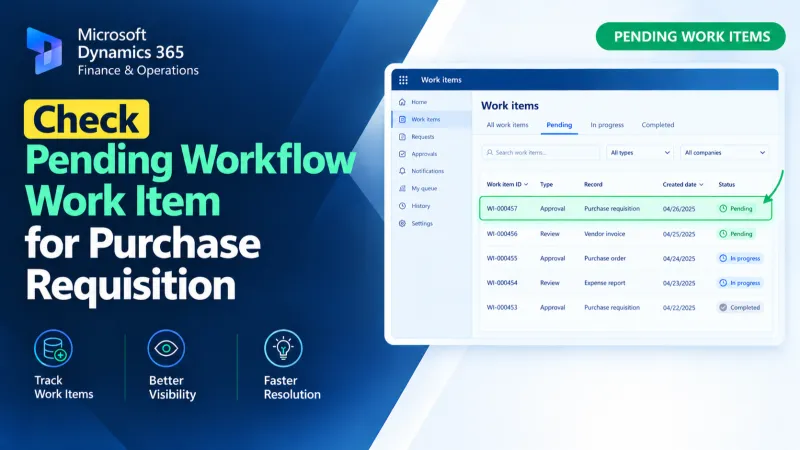
Check Pending Workflow Work Item for Purchase Requisition
Check pending Purchase Requisition workflow work items in D365 F&O using X++ to identify approval status and support workflow processing.